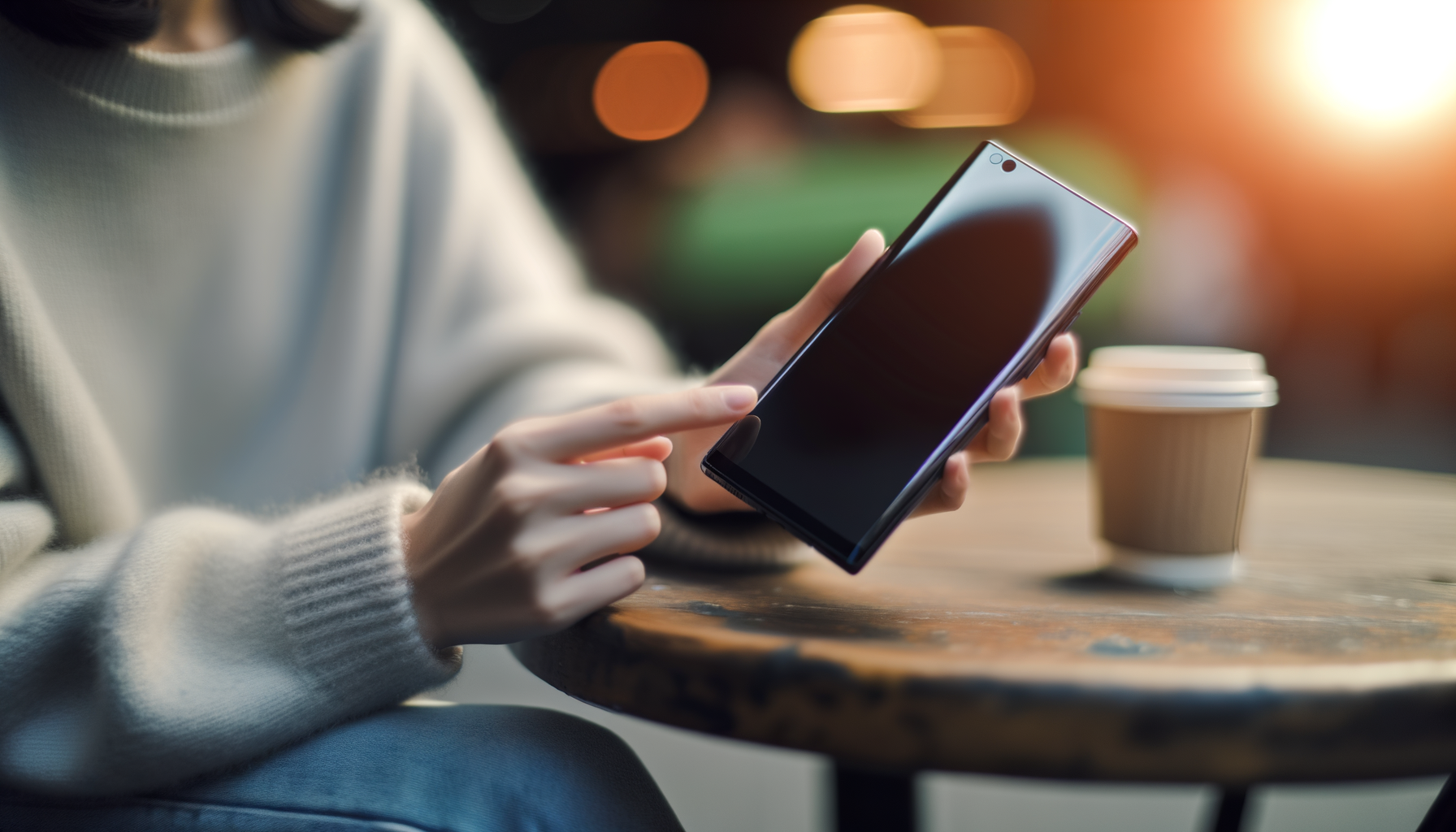
Think about the last time you watched a video on your phone. Did you have to squint at the details or tilt the screen for better color? Yeah, that's more common than you'd think. A great-looking display isn't just for movie buffs or gamers. For most of us, it's the first thing we notice and the last thing we want to compromise on. If you care about crisp text, rich colors, and smooth scrolling, finding the best display smartphone is worth every penny. Let's break down what makes a phone's screen stand out and how to pick the perfect one for you.
Why Display Quality Can Make or Break Your Smartphone Experience
You could have blazing-fast speeds or a battery that lasts for days, but if your phone's display looks dull, it affects everything. Photos don't pop. Videos look washed out. Even texting in the sun becomes a pain. The right display makes your phone easy (and fun) to use from morning news to midnight scrolling. You want colors that feel alive, text that's sharp, and no lag when swiping.
- Bigger, brighter screens make outdoor use simpler
- High refresh rates mean silky-smooth games and apps
- Good viewing angles let friends watch with you
- Durability mattersnobody wants a cracked screen on day two
Bottom line: Screen quality isn't just a spec. It's something you notice every time you unlock your phone.
Which Features Actually Matter for the Best Display Smartphone?
It's easy to get lost in the numberspixels, brightness, all that. But not every "impressive" stat translates to real-life awesomeness. Here's how to cut through the noise when you want the smartphone with the best screen.
- Resolution: Higher means sharper. 1080p is good. 1440p is amazing, especially if you read a ton or watch a lot of video.
- Panel Type: OLED and AMOLED are usually more vivid than LCD. Blacks are true black, and colors really pop.
- Refresh Rate: 60Hz is old news. 90Hz or 120Hz makes everything smoother, but it can drain battery faster if you're always on high refresh.
- Brightness: If you can't see your screen in sunlight, it's a pain. Look for at least 800 nits if you're outside a lot.
- Color Accuracy: True-to-life colors mean your photos look rightnot cartoonish or dull.
- Durability: Gorilla Glass or something similar helps keep cracks and scratches away.
Don't get caught up hunting the highest numbers. It's about the combo that fits your life, not chasing specs for the sake of it.
What Are the Top Display Smartphones Right Now?
Every year, phone makers try to outdo each otherbetter, brighter, bolder. Some get it right and some... not so much. Want a phone that nails screen quality? Here are the top display smartphones people (and reviewers) cant stop talking about lately:
- Flagship models from big brands often have their newest screens
- Some mid-range phones now boast near-flagship display features
- Look for "Pro" or "Ultra" versionsthey often prioritize the screen
These arent always the cheapest, but you dont have to pay top dollar if you know what youre looking for. Plenty of phones with vivid displays can be found if you shop last year's models or check out brands known for screen tech.
High-Resolution Smartphones vs. Real-Life Needs: Should You Care?
Everyone wants the highest "PPI"pixels per inchbecause it sounds fancy. Reality? Most folks can't spot much difference over 400ppi unless the phone is inches from your face. High resolution is awesome for streaming or reading tiny text, but not everyone needs to max it out.
- If you edit photos on your phone, youll notice better clarity
- For reading, sharper text cuts down on eye strain
- Casual users might be happier spending on battery or camera instead
Dont get FOMO if your budget means settling for 1080p. It still looks fantastic for almost everything. Think about how you actually use your phone before chasing extra pixels.
What Does "Best Screen Quality Phone" MeanAnd How Do You Judge?
People throw around "screen quality" so much it's almost lost meaning. Here's what sets the best screen quality phone apart:
- No weird color shifts at odd angles
- Bright enough for any room or outdoors
- Colors that don't look fake or washed out
- Minimal glare under lights or sunshine
- Smooth motion for gaming or swiping fast
To judge, watch a few YouTube videos that show color bars, play a game, then step outside with the brightness up. Hows it look? If it makes you smile, youre probably holding a winner.
Buying a Smartphone with the Best Screen: Your Checklist
Ready to take the plunge? Use this list the next time you're scrolling phone specs online or standing under harsh store lights, phone in hand.
- Screen size and feelDoes it fit your hand and pockets?
- ResolutionDont pay extra for numbers you wont notice
- Refresh rate and smoothnessTry scrolling in person if you can
- Brightness levelsCan you see it clearly outside?
- Color settingsDoes it let you tweak warmth or vividness?
- DurabilityAsk what kind of glass it uses before you leave
Even if you're ordering online, check hands-on reviews with real-world photos and videos (not just fancy promo shots). Trust your eyes more than a spec sheet.
My Take: Living with High-End Smartphone Displays
I used to be the "as long as it turns on, I'm good" type. That changed when I used a friend's phone to binge a whole season on a flight. Every color was punchy, every scene sharp, and I didn't get that usual eye strain after a couple hours. Since then, I look for phones with displays that make everything I do look and feel betterswiping, streaming, reading, even waiting in line.
Annoying part? Sometimes those top screens suck battery life fast, or fingerprint smudges show more clearly (especially on glossy models). But for me, once I got used to rich colors and buttery scrolling, I couldn't go back.
Best Display Smartphones: What Could Go Wrong?
Its not all rainbows. Picking the wrong screen can mean:
- Batteries draining faster (higher refresh rates can eat power)
- Some AMOLED screens pick up burn-in with certain static images
- Glossy displays are fingerprint magnets
- "Too good" colors can look fake (overly saturated on some settings)
The fix? Try before you buy if possible, or at least check reviews from people who've used the phone for a while.
Final Thoughts: Ready for Visual Brilliance?
If your smartphone is your main screenfor work, play, or bothyou owe it to yourself to get the best display you can afford. Start by making a list of what matters most: outdoor brightness, color, battery life, or screen size. Don't get caught up in what tech sites say is "must-have" unless it fits your actual life. Never settle for a dull screen. Once you go vivid, it's hard to go back. Trust your own eyes, and youll find a phone that makes every swipe, tap, and binge-watch feel brand new.
FAQs about the Best Display Smartphone
- What makes a smartphone screen the "best"?
A smartphone with the best screen usually has sharp resolution, bright colors, and smooth scrolling. It's easy to see outside, feels lively, and looks good from any angle. If it's easy on your eyes and brings pictures and videos to life, it's a winner. - Is 120Hz refresh rate better than 60Hz for everyday use?
Yes, a 120Hz refresh rate feels much smoother than 60Hz when you scroll or play games. But it can use more battery. If you read or use social media a lot, you'll love the smooth feel. If you want more battery, 60Hz is still solid. - Do high resolution phones rain more battery?
Sometimes. More pixels can use more power, but other phone parts also matter. You may not notice much unless you're always at max settings or gaming. Most new phones are built to balance bright screens and good battery life. - Which is better: AMOLED, OLED, or LCD?
AMOLED and OLED screens usually have brighter colors and deeper blacks than LCD. LCD can still look good and saves money, but most top display smartphones now use OLED for the best picture. - What's the best screen size for daily use?
It depends on youif you like watching video or reading, bigger can be better. If you need one-handed use or have small pockets, a 6 to 6.5-inch screen is tough to beat. Try a few in-store if you're not sure. - How do I make my phone's display last longer?
Use a good screen protector, keep brightness a bit lower indoors, and avoid leaving the same image up for hours (helps prevent burn-in on OLED screens). Clean your screen with a soft cloth. Little habits can keep your display looking new for years.