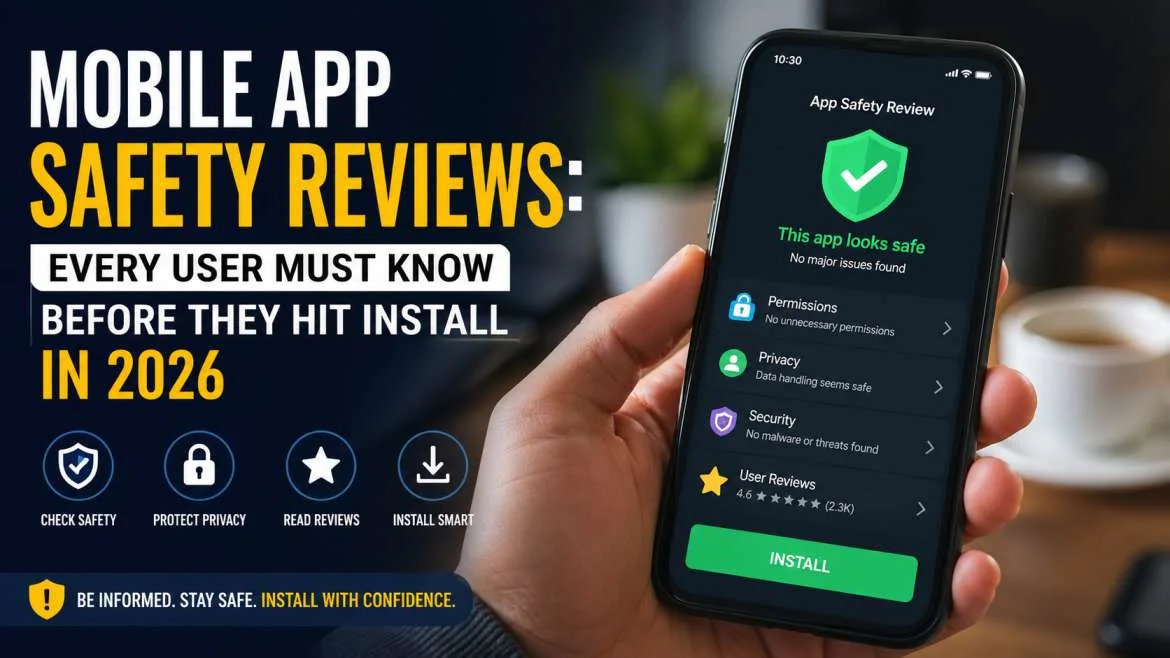
Let's be direct. Most people treat installing an app like grabbing a snack — fast, thoughtless, barely glanced at. That habit is exactly what bad actors are betting on. Mobile app safety reviews exist precisely because the app stores — for all their improvements — are not watertight. Malicious apps slip through. Legitimate-looking apps harvest data silently. And by the time anyone notices, months of location history, contact lists, and financial habits have already been packaged and sold.
This guide isn't here to scare you. It's here to arm you. Whether you're vetting secure apps for Android, running an iPhone app privacy review, or building a company-wide mobile app privacy and security checklist, these frameworks work. Use them.
The Hidden Risks Behind Mobile Apps: Why Safety Reviews Matter
The mobile threat surface has expanded dramatically. In 2024, Kaspersky alone detected over 33 million malware attacks targeting mobile devices globally. That number isn't shrinking. It's climbing. And the vector hasn't changed: the app.
The Permission Creep Problem
Here's what's happening under the hood. Apps request permissions at install or at first use — and most users tap "Allow" without reading the prompt. Research from Carnegie Mellon's CyLab found that users make permission decisions in under 0.5 seconds on average. Half a second. That's not a decision. That's a reflex.
Permission creep is the gradual accumulation of access rights that far exceed what an app actually needs to function. A recipe app that wants microphone access. A calculator with location permissions. These aren't anomalies — they're patterns.
Real-world scenario: In 2023, a popular barcode scanner app with over 10 million downloads was found to have been quietly acquired, after which the new owners pushed an update that transformed it into adware. The permissions were already in place. The update just activated them. Users who had done zero app security review were caught entirely off guard.
Hot take: The assumption that "if it's on the Play Store, it's been vetted" is dangerously naive. Google's Play Protect is reactive, not proactive. It catches known malware signatures — not novel ones.
You may also read :- Unlock Hidden Wonders Phones With Unique Features Offer
How to Conduct a Proper Mobile App Safety Review
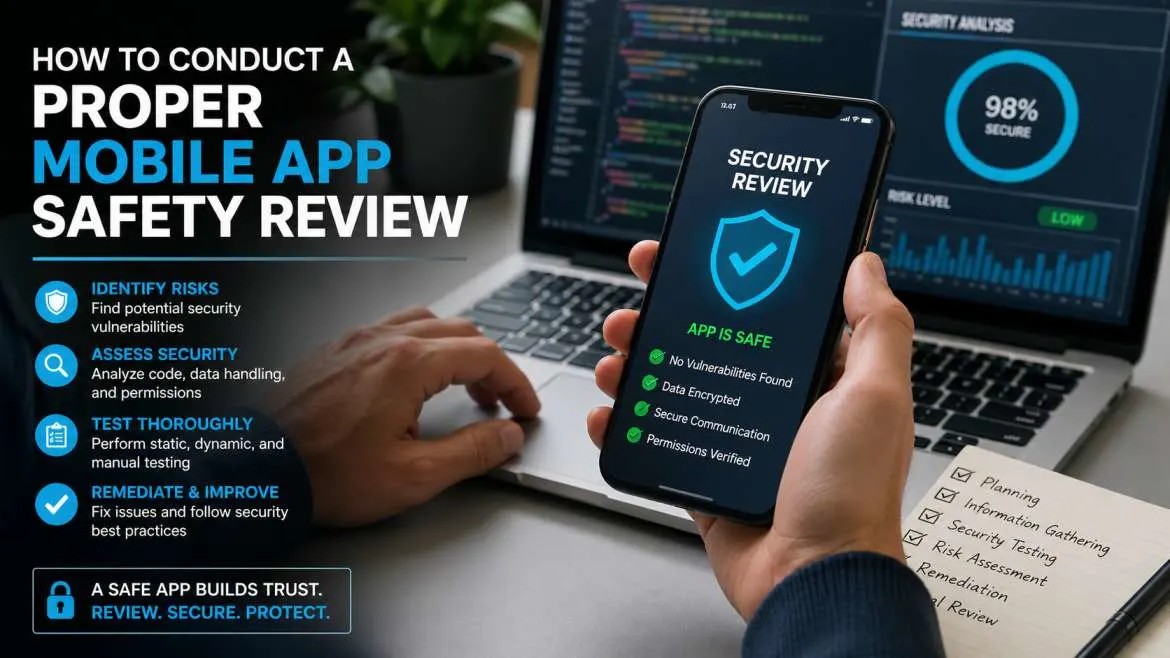
A real mobile app safety review has layers. Think of it like a pre-purchase inspection on a car — you don't just look at the paint. You check under the hood.
Step 1 — Check the Developer's Track Record
Start with the publisher, not the app. Go to their profile on the Play Store or App Store. How many apps do they have? One-app publishers with no reviews and a vague business description are an immediate yellow flag.
Look for:
- A verifiable website linked from the store listing
- A working privacy policy (not a 404 link)
- A consistent publishing history with regular updates
Apps that haven't been updated in over 12 months are risky by default. Security vulnerabilities pile up fast. An abandoned app is an unlocked door.
Step 2 — Audit the Permissions List
This is the core of how to check if an app is safe. Before installing, navigate to the permissions section on the store listing. On Android, it's under "Data safety." On iOS, it's under "Privacy."
Ask these questions for each permission:
- Does this permission serve the app's core function?
- Is this permission required at all times, or only when I'm actively using the feature?
- Can I deny this permission without breaking the app?
A navigation app needs location. Always. A meditation timer needs... almost nothing. If the permission list doesn't match the app's purpose, that mismatch is your answer.
Under-the-hood detail: Android 12+ introduced approximate location as a permission option — apps can no longer force precise GPS access if you opt for approximate. iOS has had similar granular controls since iOS 14. If an app demands precise location and won't accept approximate, push back. Or don't install.
Step 3 — Read the Privacy Policy (Yes, Actually)
Nobody reads them. We know. But you don't have to read the whole thing. Use Ctrl+F or your browser's Find function and search for these terms:
- "sell" (as in "we may sell your data")
- "third parties"
- "advertising partners"
- "retain" (how long do they keep your data?)
A genuinely privacy-respecting policy will specify exactly what's collected, why, and how long it's kept. Vague language like "we may share data with partners to improve your experience" is a red flag wearing a beige sweater.
Best Secure Apps for Android and iOS in 2026
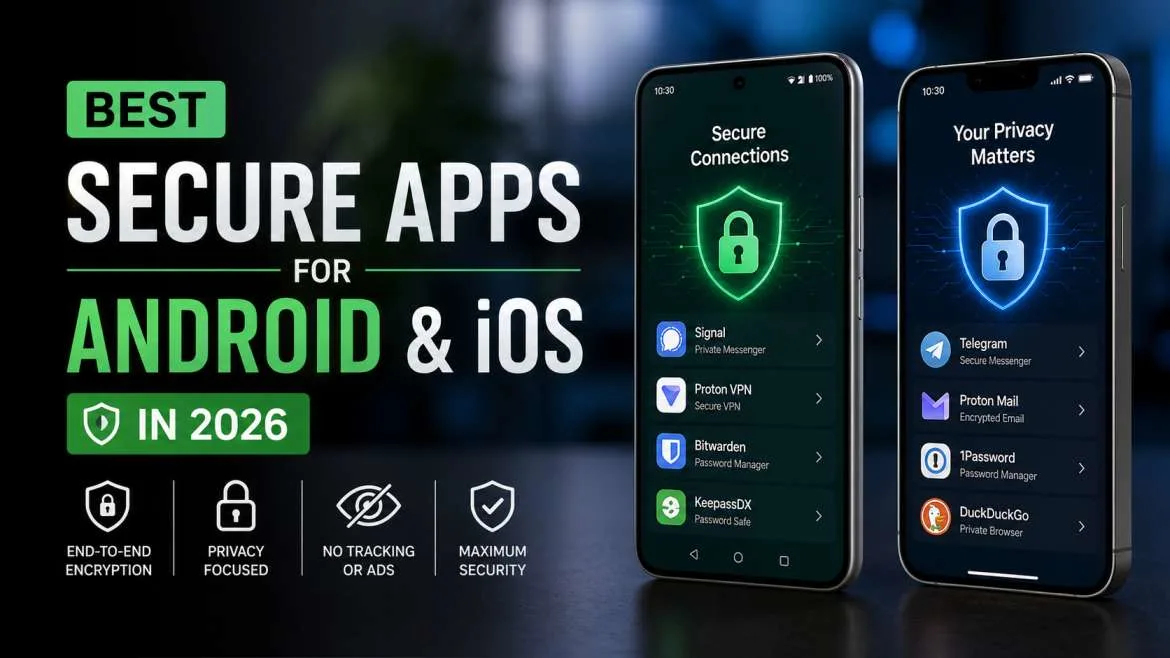
Not all apps are created equal. Some are built security-first. Others treat privacy as an afterthought. Here's what to look for — and some well-regarded examples across key categories.
Messaging Apps
Signal remains the gold standard. Open-source, end-to-end encrypted by default, minimal metadata collection. The app doesn't even know who you're messaging. For anyone serious about secure apps for Android and iOS, this is the benchmark.
WhatsApp encrypts message content but collects significant metadata — who you talk to, when, and how often. Fine for casual use. Not ideal for sensitive communications.
Telegram is frequently misunderstood. Regular chats are not end-to-end encrypted by default. Only "Secret Chats" are. This distinction matters enormously in any iPhone app privacy review.
Browsers
Firefox with uBlock Origin (Android) is the most configurable secure option. It blocks trackers, ad networks, and fingerprinting scripts at the network level — things that bypass app-level permissions entirely.
Safari on iOS has strong Intelligent Tracking Prevention (ITP) built in. For most iPhone users, it's already one of the best secure apps for Android and iOS comparisons' strongest performers on the Apple side.
Brave is worth mentioning. It's Chromium-based with aggressive ad and tracker blocking baked in. Fast, private, and available on both platforms.
Password Managers
This category is where security discipline pays dividends daily. Bitwarden is open-source, independently audited, and free for core features. 1Password offers a polished paid experience with a robust zero-knowledge architecture.
Both pass a rigorous app security review: independent audits, transparent code practices, minimal permissions, and no monetization of user data.
iPhone App Privacy Review: How Apple's System Works (and Where It Falls Short)
Apple's App Store privacy label system — the "nutrition labels" introduced in 2020 — was a genuine step forward. Every app must self-declare what data it collects and whether it's linked to your identity.
How to Read an App Privacy Label
On any App Store listing, scroll down to "App Privacy." You'll see categories like:
- Data Used to Track You — cross-app tracking for advertising
- Data Linked to You — collected data tied to your identity
- Data Not Linked to You — collected but anonymized (supposedly)
The categories are self-reported. Apple does spot audits, but they don't verify every claim. Think of it as a sworn affidavit, not a lab test.
Real-world scenario: In 2021, multiple VPN apps on the iOS App Store were found to have materially misrepresented their data practices in their privacy labels. The labels said "data not collected." The apps were connecting to known advertising infrastructure. An iPhone app privacy review using third-party tools like Privacy Nutrition Labels (an iOS shortcut) would have caught it.
Hot take: The privacy label system is better than nothing, but it's largely an honor system. Supplement it with App Store user reviews specifically mentioning data concerns, and check whether the app has appeared in any reported data incidents.
App Tracking Transparency — Your Most Powerful iOS Tool
Since iOS 14.5, every app must ask your permission before tracking you across other companies' apps and websites. This is App Tracking Transparency (ATT).
The prompt is simple: "Allow [App] to track your activity across other companies' apps and websites?" Default answer: Don't Allow. There is almost no scenario where a consumer app needs cross-site tracking to function correctly. The only beneficiary is the advertiser. Tap "Don't Allow" every time.
Secure Apps for Android: The Google Play Ecosystem Explained
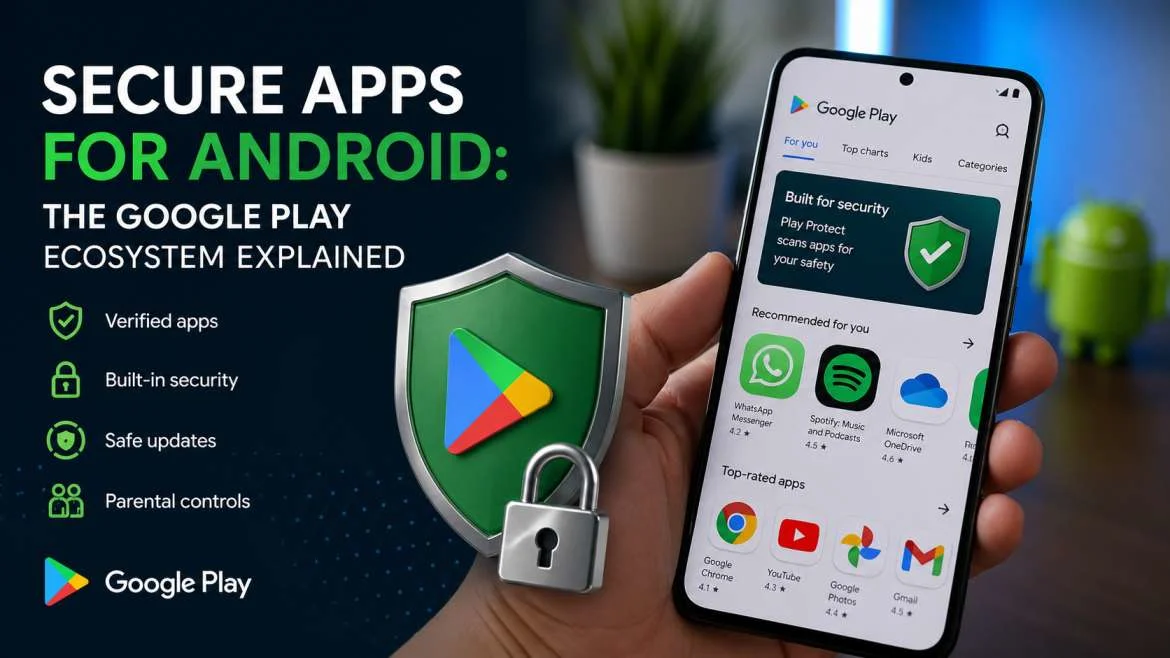
Android's security posture is more complex than iOS. The open ecosystem is both a strength and a vulnerability vector. Third-party app stores, sideloading, and a more fragmented update cycle all expand the attack surface.
Play Protect — What It Does and Doesn't Do
Google Play Protect scans apps on your device continuously. It checks against known malware signatures and behavioral patterns. In 2023, it blocked or warned about over 2.28 billion installs of potentially harmful apps.
Impressive. But still reactive. Play Protect won't catch zero-day exploits or novel malicious code that doesn't match existing signatures. It's a necessary layer — not a sufficient one.
The Data Safety Section — Android's Answer to Apple's Labels
Since 2022, Android apps must complete a "Data Safety" section disclosing:
- What data the app collects
- Whether data is shared with third parties
- Whether data can be deleted on request
- Security practices (encryption in transit, etc.)
Same caveat as Apple: self-reported. But the deletion-on-request field matters. Legitimate safe mobile apps 2026 should provide a straightforward way to delete your account and all associated data. If that option doesn't exist — or it requires emailing a support team — that's a data hoarding signal.
Sideloading — When and Why to Avoid It
Sideloading means installing an APK from outside the Play Store. Sometimes it's necessary (some legitimate open-source apps aren't on the Play Store). Often it's risky.
If you sideload, only download from the developer's official website or a trusted repository like F-Droid (which specializes in open-source Android apps with its own security review process). F-Droid is actually an underrated tool for finding secure apps for Android that prioritize privacy architecturally.
Building Your Mobile App Privacy and Security Checklist
Here's a checklist you can run on every app, every time. It takes under five minutes once you're familiar with the steps.
Before Installing:
- [ ] Search the developer name — any history of data breaches or controversial practices?
- [ ] Review the permissions list — are they proportional to the app's function?
- [ ] Check the privacy policy for "sell," "third parties," and data retention language
- [ ] Look at review recency — are there recent negative reviews mentioning privacy or unusual behavior?
- [ ] Check Exodus Privacy (Android) or App Store privacy label (iOS)
After Installing:
- [ ] Deny any permissions that aren't required for the core function
- [ ] Opt out of any analytics, crash reporting, or personalization settings found in the app's settings menu
- [ ] Disable background app refresh if the app doesn't need it
- [ ] Set location to "While Using" — never "Always" unless functionally necessary
- [ ] Schedule a 30-day review — reassess whether you actually use the app
Quarterly:
- [ ] Audit all installed apps via Permission Manager (Android) or Settings → Privacy (iOS)
- [ ] Delete apps you haven't used in 60+ days
- [ ] Update all apps — unpatched vulnerabilities are the primary exploit vector in mobile attacks
Hot Takes: The Things Nobody Says Out Loud About App Security
A few uncomfortable truths worth sitting with.
Your antivirus app may be the least secure app on your phone. Several popular mobile AV apps have been caught sharing data with Chinese state-linked entities. The app with maximum permissions, designed to see everything on your device, deserves your most rigorous app security review. Research the vendor independently before trusting it with full device access.
"Free" apps are never actually free. The pricing model is your data. This isn't cynical — it's the business model. If you're not paying for the product, your behavioral profile is the product. Paid apps with clear revenue models are, categorically, lower risk from a data perspective.
App updates can change everything. An app you trusted last year may have been acquired, relaunched with new tracking SDKs, or silently updated its privacy policy. Security isn't a one-time review — it's a posture.
Frequently Asked Questions
Q: How do I check if an app is safe before installing it?
A: Check the developer's track record, read the permissions list, scan the privacy policy for data-selling language, and use Exodus Privacy (Android) or the App Store privacy label (iOS). For Android, cross-reference with VirusTotal before sideloading any APK.
Q: What are the best secure apps for Android and iOS right now?
A: Signal (messaging), Bitwarden (passwords), Firefox with uBlock Origin or Brave (browsing), and ProtonMail (email) consistently top independent mobile app safety reviews for both platforms in 2026.
Q: What permissions should I never grant?
A: Be extremely selective with: microphone access (unless it's a voice app), precise location set to "Always," access to contacts and call logs, and device admin permissions. These are the highest-risk permissions in any mobile app privacy and security checklist.
Q: Is the Apple App Store safer than the Google Play Store?
A: Apple's closed ecosystem and mandatory review process historically result in fewer malware incidents. But "fewer" isn't "zero." The more meaningful variable is your own iPhone app privacy review habits — platform doesn't substitute for user vigilance.
Q: Can a secure app become unsafe?
A: Yes, and this is underappreciated. Acquisitions, SDK updates, and policy changes can transform a safe app's data practices without any visual change to the app itself. Quarterly permission audits and reading update changelogs are your early warning system.
Q: What is a safe mobile app in 2026?
A: A safe mobile app 2026 collects minimum necessary data, clearly discloses that collection, allows users to delete their data, uses encryption in transit and at rest, has a recent independent security audit, and requests only permissions directly relevant to its function.
Q: How often should I review app permissions?
A: At minimum, quarterly. Any time a major app update lands, review its new permission requests and updated privacy policy. Apps that silently expand their data collection without user notification are a specific category of concern.
Closing: Security Is a Habit, Not a One-Time Fix
Here's the thing. The mobile app safety review process sounds exhausting when laid out as a checklist. In practice, it becomes instinct. The first few times you catch a flashlight app demanding microphone access, or spot a weather app linking to 12 advertising trackers, the reflex kicks in. You start seeing the architecture of data extraction. And once you see it, you can't unsee it.
Safe mobile apps 2026 aren't a category — they're a standard. And that standard is increasingly achievable. The tools exist. The platform controls exist. The information is public. The gap is habit. Build the habit. Your data — and everyone whose data lives on your phone — is worth the five minutes.