


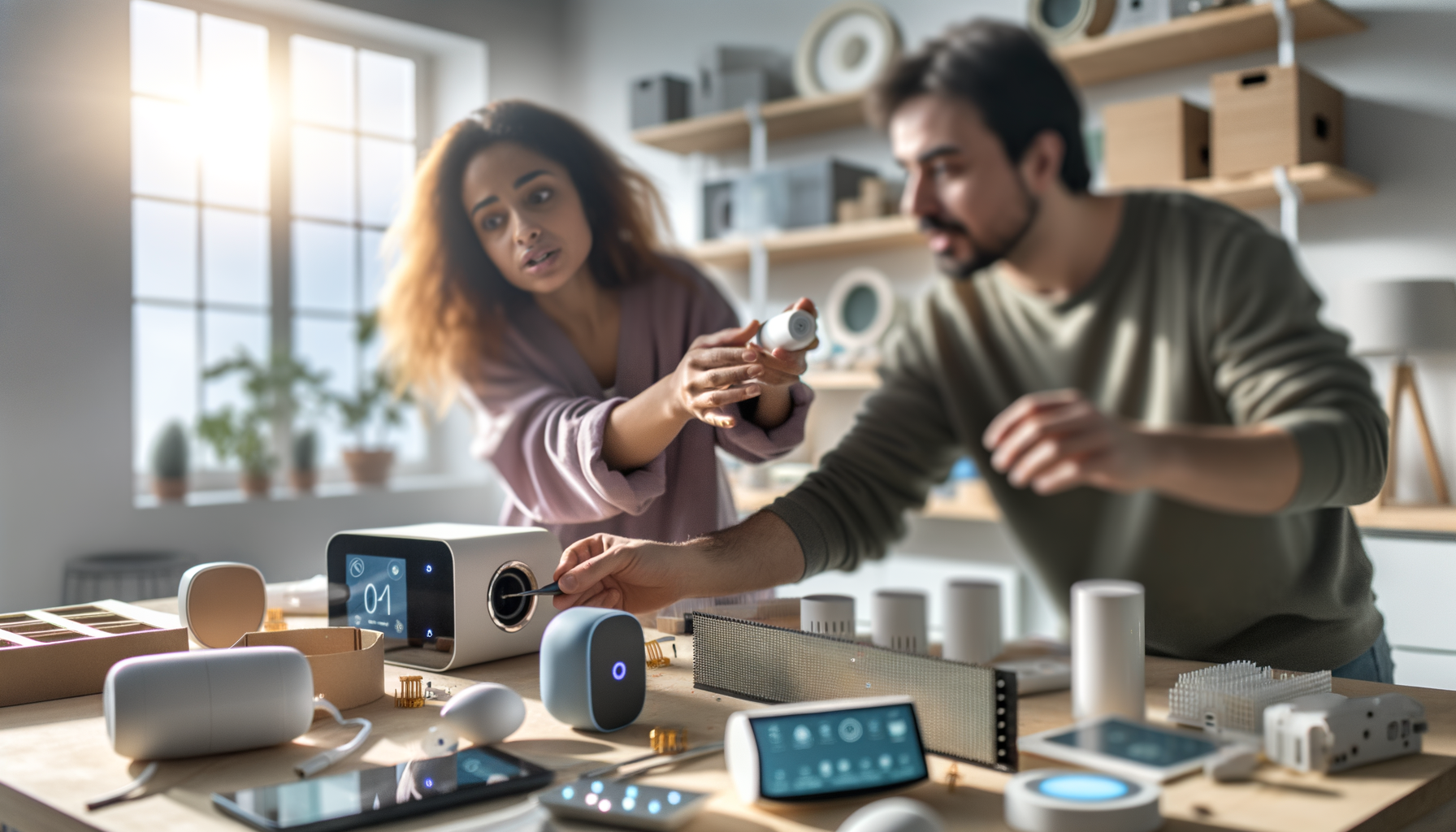
Ever get the feeling your house could work a little harder for you? You're not alone. Messy light switches, old thermostats, and speakers that never seem to cooperateit's enough to make anyone wish for an upgrade. That's where smart home installation comes in, promising to make everything from your lights to your locks to your music run smoother than ever. If you've glanced at all the gizmos and wires and thought, 'There's no way I can do this,' relaxyou're about to see that getting started is a whole lot easier than it looks.
What's a Smart Home Installation, Actually?
It's not a home from the future. A smart home installation means adding devices and systems you can control with your phone, your voice, or even a schedule. We're talking smart lights, thermostats, security cameras, and more. The big idea is you get comfort, control, and maybe even some energy savingswithout needing an engineer in your contact list.
- Smart lighting (set moods, save energy, never walk into a dark room)
- Smart speakers (play music, ask questions, control other devices)
- Door locks and security (no more lost keys or wondering if you locked up)
- Smart thermostats (get the right temp every time and lower bills)
People love smart home setup because it adds a bit of magic to boring routines. Imagine lights that turn off when you say 'bedtime' or a door that locks by itself. No, it won't solve world peace, but it'll wipe out little annoyances every single day.
How Do You Start with Smart Home Setup?
Step one: Don't run out and buy everything you see. The smartest move is picking one spot that bugs youmaybe you're always forgetting to turn off lights, or you want music everywhere. Focus there first. Every good home automation installation starts small, then grows as you learn what fits your life.
- Pick a main device: Smart speaker or hub (it'll help all the gadgets talk to each other)
- Choose gadgets that work with your main device (most boxes list what's compatible)
- Download the right appssetup is way smoother with official apps guiding you
- Follow the in-app instructionsthey're not thrilling, but they work
Don't worry if you mess up the first time. Everyone does. The first time I tried installing smart bulbs, I accidentally named my kitchen lights 'Garage.' Took me an hour to fix. But once you get one thing running, you'll see how easy adding others gets.
Can You Really Install Smart Devices Yourself?
Yesand you don't need to be techy. Most gadgets are as easy as plugging something in and connecting to Wi-Fi. For things wired into your walls (like thermostats), you might need to peek at a YouTube video or call in a pro if you're unsure. But installing smart devices like cameras or plugs is usually a five-minute job.
- Check your Wi-Fi signalsmart gear hates weak internet
- Smart plugs are a great first stepno tools needed, just plug and play
- Label devices as you add them (you'll thank yourself later)
- Dont overthink nameskeep it simple, like 'Living Room Lamp'
There are dumb mistakes to avoid. Don't put your Wi-Fi password on a sticky note by the front door. Don't buy a dozen smart bulbs if your router can't handle more than ten devices. And never, ever try to wire a thermostat without turning off the breaker. Seriously, safety first.
Smart Home Systems: What Should You Choose?
This part feels overwhelming because there are a million brands and systems. Heres what matters: whatever you get should work together without a hassle. Some people swear by Amazon Alexa, others love Google Home, and Apple fans lean toward HomeKit. The key is picking a main platform and buying gear that lists support for it.
- All-in-one systems (speaker, lights, camera) are easier to manage
- Mixing brands is finebut check that they play nice before buying
- Look for 'Works with Alexa/Google/Apple' on the box
Think of your smart home like a party: if everyone speaks the same language, things go well. But if your light speaks French and your speaker speaks Spanish, nothing gets done.
Common Mistakes and How to Dodge Them
- Overbuying: Dont buy everything at oncestart with what youll use every day
- Ignoring Wi-Fi: Slow internet makes smart tech act dumb
- Confusing setup steps: Read the app instructionseven if it feels silly
- Wiring worries: If it needs tools or wire cutters and youre nervous, hire someone
- No backup plan: Write down usernames, passwords, and network names somewhere safe (not taped to your fridge)
I once helped a friend who overloaded his house with so many connected speakers that his Wi-Fi looked like it was hosting a music festival in the next room. Less is morepick what makes your days smoother first, then add the gadgets as you see real gaps.
What Happens When Things Go Wrong?
Sometimes, a device wont connect. Or it disconnects every week. Heres the ugly truth: smart homes dont always play nice forever. But the fixes are usually simple.
- Reboot the device (off/on solves more than you think)
- Check for updates (apps and device software)
- Re-add the device if it disappears from your app
- Move gadgets closer to your router if the signals weak
Setbacks are normal, not a sign you messed up. Patience (or a little tech support call) goes a long way. Remember: youre training your house, not the other way around.
What's Next Once You're Set Up?
The best part about smart technology for homes is customizing routines that fit your day. Want your porch light to turn on at sunset? Done. Need music to play every morning as you get your coffee? Easy.
- Create routines or scenes in your main appthats where the real magic is
- Share control with family, so everyone can use voice or apps
- Set up guest access for visitors without giving up security
Your smart home system is supposed to make life easier. If it feels too complicated, step back and simplify. Sometimes, that's unplugging three gadgets and just sticking with what works smoothly.
Making Smart Home Setup Work for You
You dont need every bell and whistle. Pick the devices that make your days less annoying. Take it one room at a time. The real win isnt impressing friends with a talking fridgeits having a house that quietly takes care of you so you can focus on what matters most.
- Start small and grow as you go
- Focus on real needs, not cool features
- Enjoy the little wins: lights that dim for movie night, or music in every room
If youre reading this, youre ready. Plug something in. Set it up. See how it feels. You'll be surprised how quickly your home feels a little more genius, one simple step at a time.
FAQs About Smart Home Installation
- Q: How much does a smart home setup usually cost?
A: You can spend $50 for a simple system or thousands for a full upgrade. Start cheap with one device, see how it fits, and add more if you like it. You dont need to spend big to feel the benefits. - Q: Is it safe to use smart devices in my home?
A: Yes, but use strong passwords and update your devices often. That keeps hackers out and your info private. Most issues happen when people skip updates or use old passwords. - Q: Do I need fast internet for a smart home system?
A: Decent Wi-Fi helps a lot. Most smart gadgets wont work right or might lag if your internet is too slow. If you start seeing connection headaches, its probably time to check your router. - Q: Can I install smart devices if I rent or live in an apartment?
A: Totally. Start with things that dont need drilling or rwiring. Smart plugs, bulbs, and speakers are renter-friendly and come out when you move. - Q: What should I do if my smart tech stops working?
A: Restart the devices, update the apps, or remove and re-add the device in your app. Most troubles fix themselves with a simple reboot. Still stuck? Reach out to the product's support line. - Q: Are all smart home gadgets compatible with each other?
A: Not always. Check that new devices support your existing system (like Alexa, Google, or Apple). Mixing brands is fine if they speak the same 'language.'










