


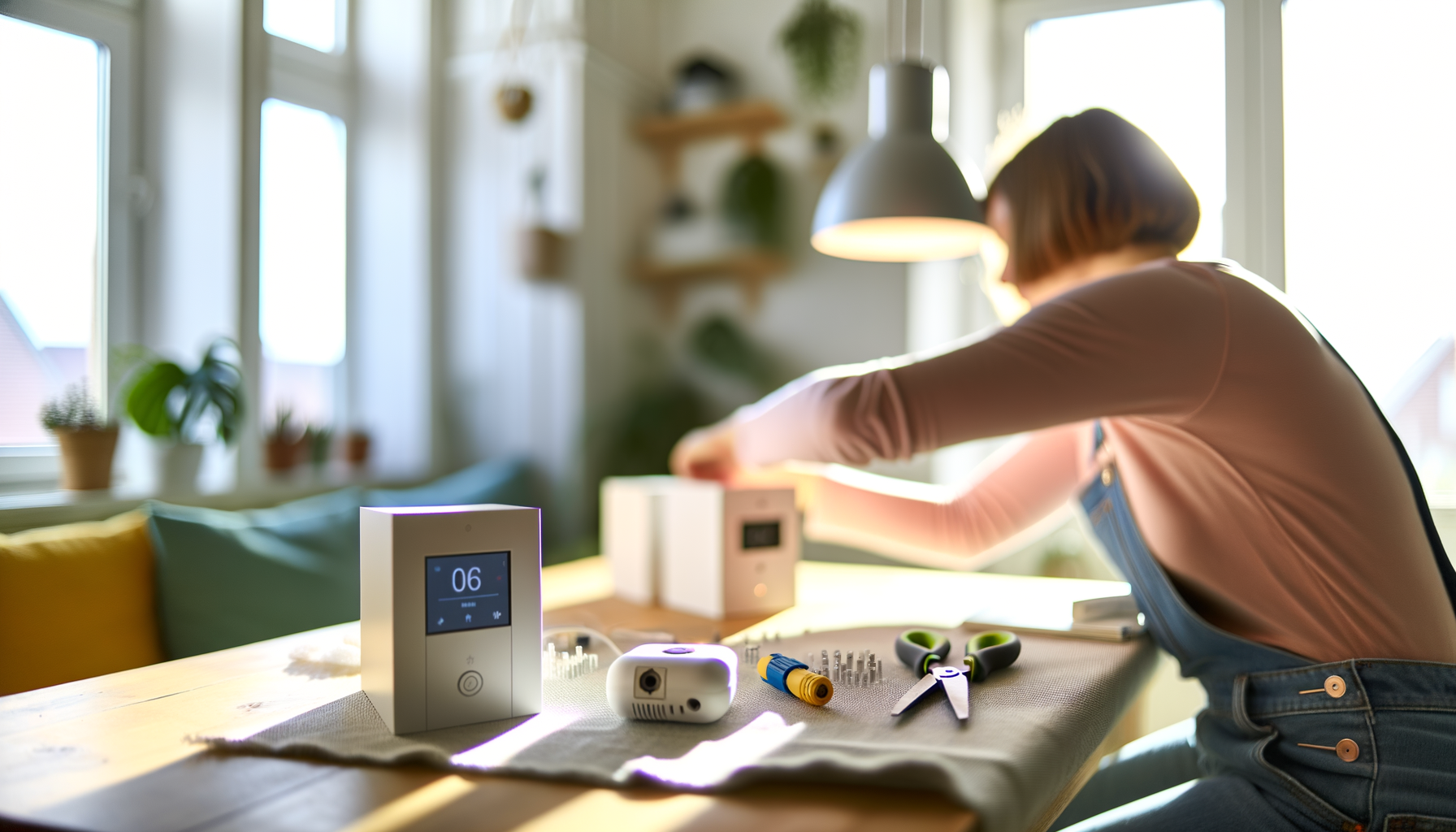
You know that feeling when you wish your lights would turn off automatically, or your coffee would start brewing before you roll out of bed? That's what a smart home can do, and no, you don't have to be a tech genius or drop a fortune to set it up. With a little know-how and some patience, anyone can handle a DIY smart home installation. By the end, you'll not only save money but boost your comfort and maybe even impress your friends.
What is DIY Smart Home Installation?
DIY smart home installation means setting up and connecting smart devices in your house yourself, instead of paying someone else to do it. We're talking smart lights, thermostats, plugs, speakers, camerasgadgets that make everyday life easier or more fun. Most are easy to install, but some might test your nerves the first time around.
Why Bother Setting Up a Smart Home On Your Own?
First, you save money. Most companies charge a lot for setup, and honestly, most devices today are made for regular folks to handle solo. Second, you get to pick what you wantno hard sell for stuff you don't need. Last, you'll learn skills you can use in other techy projects around the house.
What Smart Devices Should You Start With?
If youre new to smart home setup, start simple. Dont buy everything at once. Focus on:
- Smart bulbs (change color, dim, and set timers)
- Smart plugs (turn almost anything into a smart device)
- Speakers or displays with voice assistants
- Smart thermostats (save on energy bills)
- Basic security cameras or doorbells
Each device boosts your homes IQ, but remember: start small to avoid headaches. Its easy to expand later. The trickiest part? Making sure everything works together.
Do All Brands and Devices Work Together?
Nope, and this trips people up all the time. Some brands play niceothers dont. Before buying, check if the device supports your phone, Wi-Fi, or existing gadgets. Most people pick one of the big platforms:
- Google Home
- Amazon Alexa
- Apple HomeKit
Sticking to one helps avoid headaches. Mixing brands? Double-check compatibility or youll wind up returning stuff you cant connect.
How Do You Actually Install Smart Devices?
Most devices follow the same basic steps:
- Download the app that goes with your smart device
- Plug in or power it up
- Put your phone on your home Wi-Fi (not guest networks)
- Follow the apps setup instructions
- Name your device something simple (Bedroom Light, Front Plug)
Thats it, most of the time. Sometimes a gadget just won't connect and you have to reset it or try again. Dont panicit happens to everyone, even techies.
Pro Tips to Make Installation Smoother
- Keep your Wi-Fi password handy
- Update your phone and apps first
- Install one device at a time to avoid confusion
- Label actual devices (stickers help!)
- If something goes wrong, unplug and start overseriously, the classic reboot works wonders
What Are Common Mistakes with DIY Home Technology?
- Overloading your Wi-Fi: too many devices can slow things down
- Forgetting to check compatibility: always check before you buy
- Skipping firmware updatesthese are crucial for security and features
- Ignoring privacy settings: always adjust what data your device collects
- Not securing your network: use a strong password and consider guest networks for visitors
Admit it, some things will not go as planned. Thats normal. Take a break if you get frustrated. Most problems have simple fixes, or you can find answers in the devices help section.
Smart Home Routines: The Real Fun Starts Here
This is where your smart home goes from cool to awesome. Routines are pre-set rules where one action triggers others. For example:
- "Good Morning" routine turns on lights, starts coffee, and reads the weather
- "Away Mode" shuts off lights, locks the door, and arms security
- "Movie Night" dims lights and powers on the TV
Most platforms make it easy to set up custom routines in the app. Play around with it. Youll learn what works for your family or your schedule. And if you mess up, you can always delete or tweak the routineits not permanent.
How Much Does a Basic Smart Home Setup Cost?
Here's the good news: you can start small. A few smart bulbs and a plug usually cost less than a fancy dinner. Once you get comfortable, upgrade piece by piece. Some devicesa smart thermostat or security systemwill be pricier, but you dont need them all at once.
What If You Get Stuck?
Even pros hit snags. If an install stalls, try:
- Reading the quick-start guide (its boring but helps)
- Watching a short tutorial video for your exact device
- Restarting your Wi-Fi or device
- Asking a techy friend or searching troubleshooting tips online
Dont feel embarrassed if you need help. Everyone starts somewhere, and even DIY wizards ask for advice now and then.
How Can You Keep Your Smart Home Secure?
- Always pick strong, unique passwords
- Turn on two-factor authentication where possible
- Update software and firmware as often as possible
- Use a separate guest network for visitors
- Review privacy settings for every new device
Smart home technology is convenient, but don't let security slide. Spend five extra minutes now, save yourself a headache later.
Takeaways for First-Time DIY Smart Home Installers
- Start with basicsdon't try to do everything on day one
- Stick to a single platform for easier control
- Troubles happenask for help and don't get frustrated
- Set up routines to get the most from your devices
- Pace yourselfsmart homes are built gradually, not all at once
Choosing to handle your DIY smart home installation is all about making your space fit the way you live. There's a learning curve, but it's definitely worth it. Start with one device, then build from there. Before you know it, your home will work smarter, not harderjust like you.
FAQs About DIY Smart Home Installation
- Q: Is a DIY smart home setup easy for beginners?
A: Yes, most smart home devices today are beginner-friendly. You can set up things like smart bulbs or plugs with clear instructions in the app. If you can use a smartphone, you can handle most DIY smart home installation tasks. Start small and don't rush. - Q: What should I do if my smart device won't connect to Wi-Fi?
A: First, make sure you're on the main Wi-Fi network, not a guest one. Reset the device, and double-check your password. Sometimes, restarting your router helps. If all else fails, look for troubleshooting tips in the devices app or manual. - Q: Do I need special tools for installing smart home devices?
A: Most of the time, no tools are neededjust your phone and the devices app. For thermostats or security cameras, you might need a screwdriver. Always read the instructions before you start so you know what youll need. - Q: Can different smart home brands work together?
A: Sometimes, but not always. It's easier if all your devices use the same platform (like Google, Alexa, or Apple). You can mix brands, but make sure they say theyre compatible before buying. Otherwise, you might have to juggle multiple apps. - Q: How often do I need to update my smart devices?
A: Check for updates evry month or so. Updates keep your devices safe and add new features. Most apps will let you know when an update is ready. Don't skip thesethey can stop issues before they start. - Q: Whats the best way to make my home more secure with smart technology?
A: Use strong passwords, enable two-factor authentication, and adjust each devices privacy settings. Keep your devices and apps updated. If youre setting up a security camera or door lock, never share your login details with people you dont trust.










