


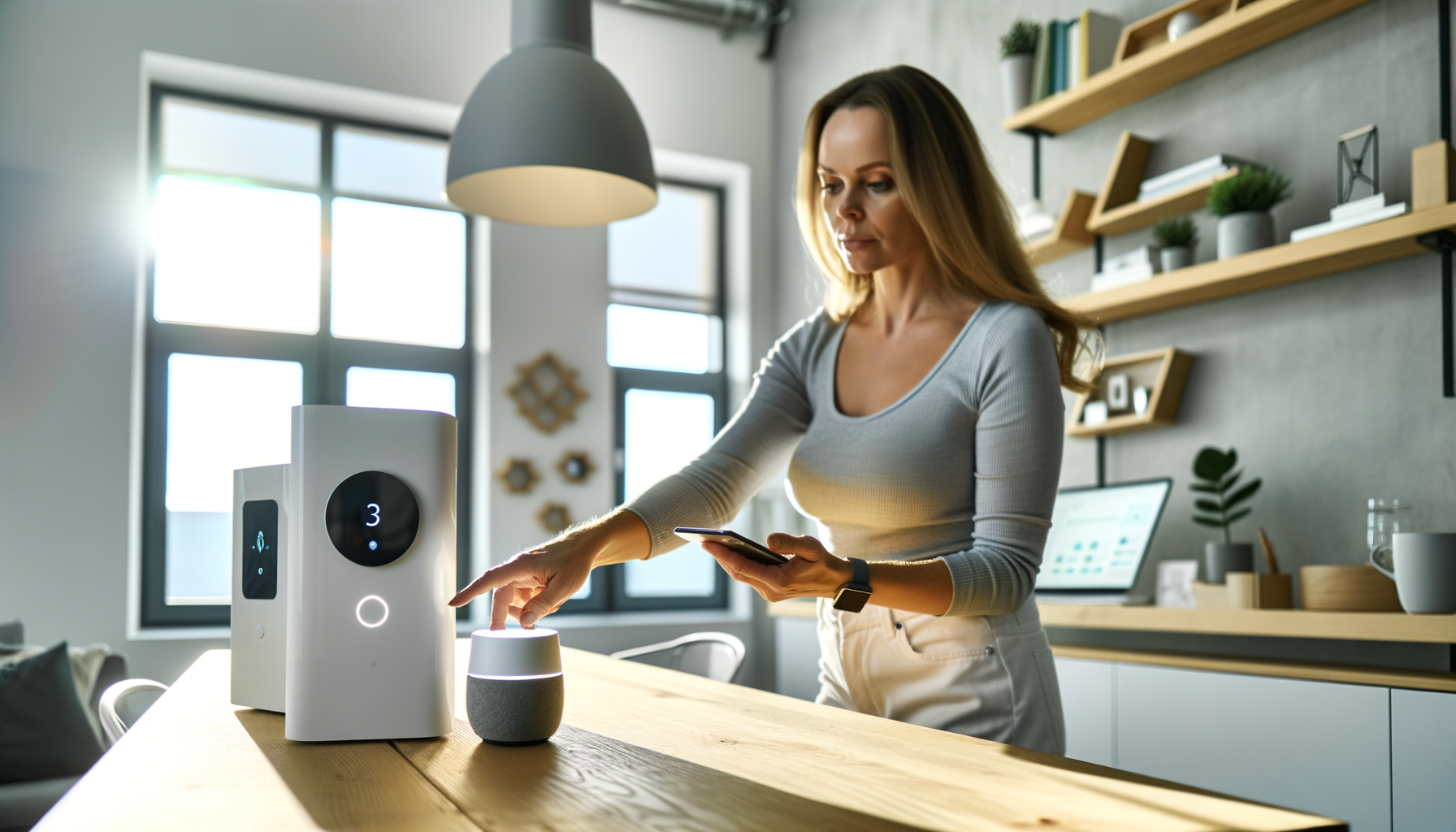
Lets face it: life can get messy. You rush out the door, forget to turn off the lights, double back because the garage door might be open, or worry if you locked up. That's where smart home innovations come in. These tools use everyday technology to make things easier, safer, and (sometimes) even fun.
Maybe youve heard about smart home technology but think, 'That sounds expensive' or 'Im not techy enough for that.' Good news: you dont need a computer science degree or a massive budget. Smart home systems are designed to blend into real life, not take it over. Heres how you can use smart devices and a connected home to handle the little hassles, save energy, and make your space truly feel like yours. Ready to get practical? Lets break it down.
What Exactly Are Smart Home Innovations?
A smart home innovation is any tech upgrade that connects to the internet or your phone to help you control things at home. Lights, thermostats, locks, cameras, appliancesif you can manage it from your couch (or while youre miles away), its part of a smart home system.
Why does it matter? Because these tools take the routine stuff you do every day and make it effortless. You dont need to remember to adjust the heat before bed, or wonder if you left the stove on. And you can add gadgets as your needs (and budget) allow.
People worry about smart home technology being complicated. Some setups can take a little work, but most major brands make it straightforward. You download an app, follow a few steps, and youre in business. Even my dadwho once thought Wi-Fi was 'just for kids'got the hang of his smart lights in ten minutes.
How Do Smart Devices Make Life Easier?
Lets get down to what you actually get. Heres what smart home devices can do for you:
- Save time: Set up routines so lights, locks, and appliances do what you want when you want.
- Save money: Smart thermostats and plugs can lower energy bills because they work only when you need them.
- Peace of mind: Get alerts if a door opens, the waters leaking, or your smoke alarms go off.
- Accessibility: Voice assistants mean people with mobility challenges can control stuff hands-free.
- Fun factor: Set the mood with a single voice command to control music, lighting, and even shades.
My favorite example? Putting the house to 'sleep' with one tap: locks click, lights dim, thermostat adjusts, and the security system arms itself. No more bedtime laps around the house.
What Kinds of Smart Home Systems Are Out There?
It can feel overwhelming, but you dont have to buy everything at once. Start with what you use most. Here are the big categories:
- Smart lights: Control brightness and color from your phone or with voice.
- Smart plugs: Turn any device into a smart devicelamps, fans, or even your old coffee maker.
- Security cameras and sensors: Watch your home from your phone or get alerts if somethings weird.
- Smart locks: Forget keysa code or your phone unlocks the door.
- Thermostats: Control the heat and AC from anywhere. Many learn your habits to save energy.
- Voice assistants: Systems like Alexa or Google Assistant tie it all together. Theyre not required, but they make things smoother.
The trick is to pick what fits your lifestyle. If you rent, start with bulbs and plugs. Homeowners might want to swap in locks or thermostats, too. Always check whats allowed where you live.
Getting Started: What's Easy and What's Frustrating?
The easy part? Most smart home devices these days follow a plug-and-play model. Take smart bulbs: screw them in, turn them on, connect to Wi-Fi, done. Same for most smart plugs. Thermostats and locks can be a little more work, sometimes requiring a screwdriver and some patience.
The frustrating part? Devices dont always play nice together. Some companies want you to use their apps and only their products. To avoid future headaches, look for items that work with 'Matter' or say they support multiple platforms (like Apple HomeKit, Google Home, or Amazon Alexa).
One tip: Stick to one main system early on, and try to buy gadgets that are compatible with it. Mixing and matching can work, but it might mean more apps and more setup.
Common Mistakes People Make With Smart Homes
- Going too fast: Buying a dozen gadgets at once is tempting, but it often leads to tech headaches. Start small.
- Ignoring compatibility: Not all devices talk to each other. Check before you buy.
- Forgetting security: Change default passwords and update your gear. Hackers go for easy targets.
- Skipping the manual: Yeah, its boring. But the answers to weird problems are usually in there.
My worst mess-up: I once installed as many smart bulbs as I could on Black Friday. A month later, half of them glitched because I mixed up brands and didn't stick to one system. Lesson learned.
How Do You Pick the Right Smart Home Technology?
- Ask what problem youre trying to solve. Lights, locks, and thermostats are practical because theyre used daily.
- Read reviews from regular people, not just tech blogs. See how others use smart devices in real life.
- Start with a budget. You dont need to outfit your whole house at once.
- Try before you commit. Most brands let you add devices a little at a time, so you can see what you like.
Remember: Fancy gadgets are cool, but theyre no good if you dont use them. Start with what helps your routine and build from there.
What Are the Downsides of Smart Home Systems?
No tech is perfect. Heres what can go wrong (and how to deal):
- Outages: Wi-Fi drops? Your devices stop talking. Keep basic switches so youre not stuck in the dark.
- Privacy: Some smart home systems use cameras and always-on mics. Double-check privacy settings and know whats being saved or shared.
- Too many apps: Its annoying to toggle between apps to turn off lights or check cameras. Look for tools that combine controls under one app.
- Setup stress: Not every install is simple. Sometimes things break or need updates. Patience helps. Ask for help if you get stuck.
If your first try isn't perfect, don't sweat it. Everyone has a story about something not working right away. Learn, adjust, and keep going.
Whats Next for Smart Homes?
Smart home technology is only getting smarter. New updates make old devices work better together. Voice assistants understand you better and can run more complex routines. Sensors are even learning to spot if someone fell or if your plants need water.
Theres no magic finish line here. You upgrade as you go, and you always get to choose what works for your life. The real win? Smart home innovations let you focus less on small, nagging chores and more on what mattersspending time how you want in the space you call home.
FAQs About Smart Home Innovations
- Q: What are the easiest smart home devices to start with?
A: Go for smart plugs or smart lights. They're cheap, quick to set up, and can be used almost anywhere. You don't need to mess with wiring or special tools, so it's a low-risk way to try smart home technology in your space. - Q: Do smart home systems save money on energy bills?
A: Yes, many do. Smart thermostats, plugs, and lights help you use less energy since you can control them from anywhere. Over time, this means lower bills because devices arent running when you dont need them. - Q: Is my data safe with smart home technology?
A: It's as safe as you make it. Always set strong, unique passwords for your devices and keep them updated. Be careful about what you connect and check what info companies are collecting to keep your privacy in check. - Q: Will smart devices work if the internet goes out?
A: Some will, some wont. Lights and thermostats often work with manual switches, but voice controls and phone access might stop. It's smart to have backup ways to control essentials if your Wi-Fi drops. - Q: Can I use smart home devices if I rent?
A: Absolutely. Many smart lights, plugs, and cameras can be removed easily when you move. Just check your lease before installing anything that needs wiring or drilling holes. - Q: Do all smart home devices work together?
A: Not always. Some brands don't talk to others, which can be tricky. Look for devices that support standards like 'Matter' or major platforms so your gadgets stay in sync and easy to control.










