


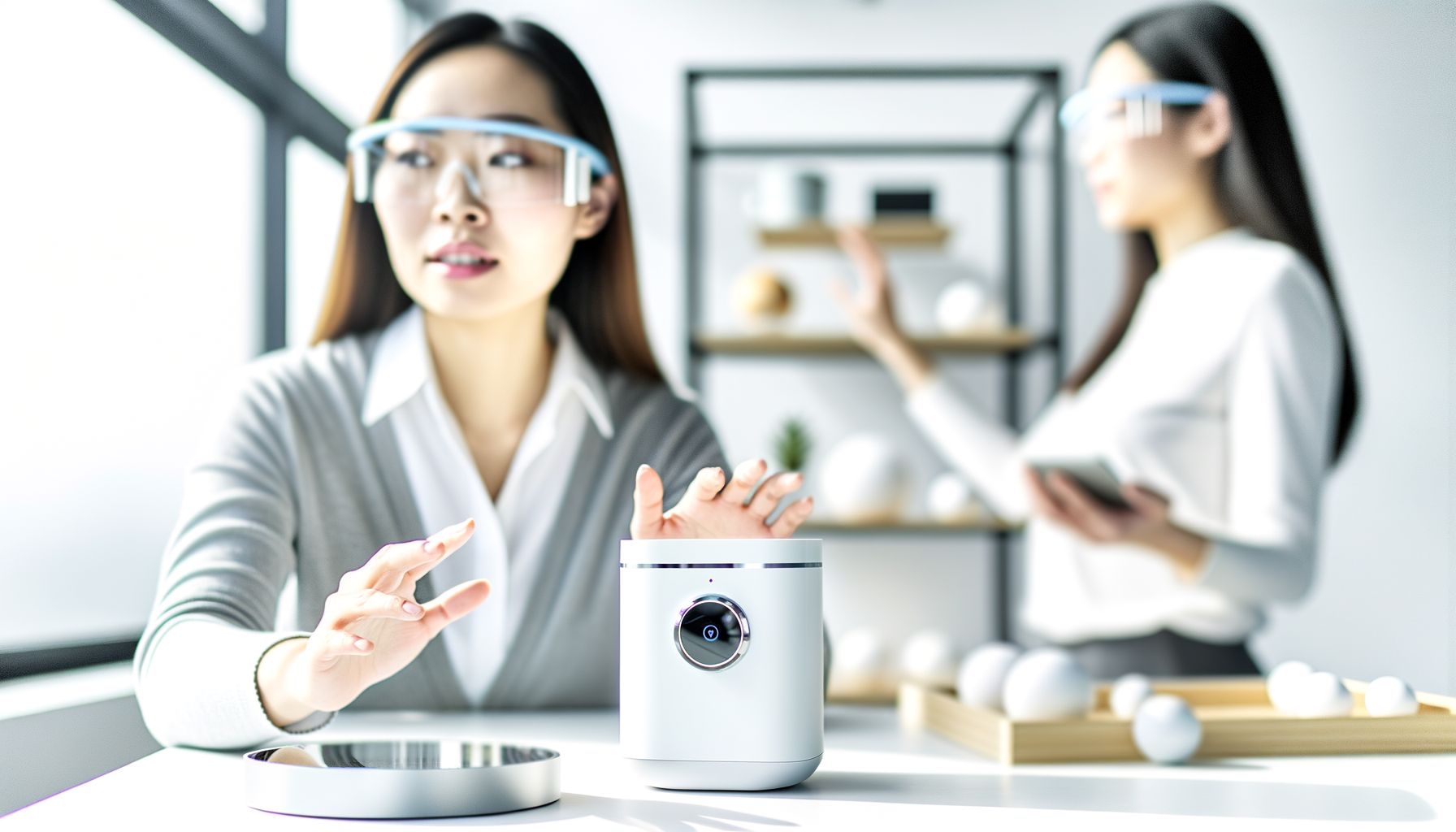
There's nothing like coming home after a long day and having your lights turn on as soon as you walk through the door. Your coffee brews itself in the morning, and when you leave, the thermostat adjusts on its own so you're not wasting money. That's what a smart home system can domake your daily routines easier, save you time, and maybe even lower your bills. If you've ever thought these gadgets were just for tech nerds or millionaires, stick around. You're about to see how anyone can set up a smart home, and why it actually makes life better (and not just fancier).
What Is a Smart Home System, Really?
A smart home system is a bunch of devices that connect over Wi-Fi and talk to each other. These might be your lights, speakers, thermostat, doorbell, or more. Using a phone app, your voice, or sometimes even your watch, you control almost everything without getting off the couch. The best smart home systems can connect all your gadgets, so you don't have to jump between six different apps just to do simple stuff.
- Lights and dimmers you control by voice or app
- Thermostats you adjust at work or on vacation
- Smart speakers for music, reminders, and help with recipes
- Security cameras and video doorbells
- Automated door locks and sensors
It sounds high-tech, but most people use smart home devices for super normal things, like turning off forgotten lights or making sure their kids managed to get home while they're at work.
Why Bother With Home Automation?
Home automation isn't about showing off to your neighbors. It's about making life less stressful. You set routines that match your schedule, like having lights go out when you leave for work or getting a soft wake-up with gentle lighting. Heres why people buy in:
- Convenience: You can do stuff without moving an inch.
- Safety: Door sensors and cameras mean you know whos home, even if youre not.
- Saving money: Automated thermostats and lights can trim your utility billsno more blasting AC when nobody's around.
- Peace of mind: Forgot to lock the door? Check your phone and fix it before your head hits the pillow.
Last month, my friend installed a basic smart home setup. Now, his lights shut off automatically at bedtime, and he never argues with his kids about leaving them on. He said, 'I thought itd be a pain to set up, but it actually made the place feel more comfortable and safe.'
Where Should You Start With Smart Home Devices?
You dont need to go all-in on day one. The trick is to pick one or two devices that solve your biggest headache. Start here:
- Smart speakers (like Alexa or Google Nest): Easy entry, controls lots with voice.
- Smart plugs: Make any appliance smart for cheap, just by plugging it in.
- Thermostats: Great if your power bill is getting wild.
- Lights: Try a couple in key rooms so you get a feel for it.
Even one device can show you the perks. For example, after I put in a single smart plug on my living room lamp, I could set it to turn on right before sunset. Suddenly, it was less about tech and more about walking into a cozier home every day.
How Do You Set Up a Smart Home System Without Losing Your Mind?
Setting up your smart home setup can feel intimidating (especially when tons of brands promise theirs is the 'best smart home system'). Heres how to keep your sanity:
- Pick a hub or ecosystem. Thats a fancy word for your main appAmazon Alexa, Google Home, or Apple Home.
- Stick with compatible devices. Mixing brands can cause headaches if they don't talk to each other.
- Take it slow. Add devices one at a time and test as you go.
- Use routines or scenes. Thats where the magic happensset up custom automations like 'bedtime' or 'movie night.'
Heads up: Sometimes youll have weird hiccups. Maybe a bulb doesnt connect, or your app freezes. If that happens, breathe. Most of the time, unplugging and restarting solves it. If not, theres a support community for every brand and lots of how-to videos out there.
Which Is the Best Smart Home System in 2025?
Everyone wants to know which brand is best, but theres no one-size-fits-all answer. Heres what to consider:
- Ease of use: Can you figure it out in 5 minutes?
- Device support: Does it work with the stuff you already own or want?
- Privacy: Do you keep control of your data?
- Price: Does it fit your budget?
Most people do fine with Amazon Alexa, Google Home, or Apple Home. If youre into tech, you might love Samsung SmartThings, which is super flexible but a little trickier. For renters or folks in apartments, the main thing is choosing devices that dont need complicated wiring or landlord approval. Plugs and Wi-Fi bulbs are your friends.
What Can Go Wrong With Smart Home Technology?
Not everything's perfect. Here are some honest annoyances you might hit:
- Glitches: Devices sometimes lose Wi-Fi and stop working.
- Updates: New app updates can mess up your routines.
- Privacy worries: Some people feel weird about mics or cameras in their house. Turn off what you dont use.
- Too many apps: Different brands can mean juggling several apps unless you stick to one 'ecosystem'.
- Setup frustration: Instructions can be vague or feel written by robots.
But here's the thingonce you work through a couple hiccups, daily life gets smoother. The key is remembering that its meant to help, not stress you out.
Making Your Smart Home System Work For You
Theres no prize for having the fanciest gadgets. The best smart home system is the one youll actually use regularly. Start small, celebrate every win when something works right, and dont freak out if you hit a bump. Soon enough, things like coming home to a warm, well-lit space or checking your front porch from bed will just feel normal.
Try adding a new device to your setup this month. Play around, see what routines you like, and build from there. Youll adapt as your needs and budget change. Before long, youll wonder how you ever lived without a little extra help from your home.
FAQs About Smart Home Systems
- Whats the easiest way to start with home automation?
The easiest way is to get a smart speaker or smart plug. Plug something in, connect it to your Wi-Fi, and control it from your phone or with your voice. You dont have to be a tech expert. Start with lights or your favorite coffee maker, and go from there. - Can I set up a smart home system if I rent?
Yes! Most smart home devices dont require drilling holes or making big changes. Use smart plugs, battery-powered sensors, and Wi-Fi light bulbsthen take them with you when you move. Always ask your landlord if youre worried, but most setups are totally renter-friendly. - Is smart home technology safe for my privacy?
Smart home tech is mostly safe, but you have to be smart about which brands you trust. Look into the privacy settings and turn off features you dont use (like microphones or cameras when you dont need them). Always use strong passwords on your accounts. - Do all smart home devices work together?
Not always. Some brands wont talk to each other unless you use a common app (like Alexa or Google Home). Before buying, check if a device works with your home system. Sticking to one ecosystem makes things way easier. - Can a smart home system save money?
Yes, usually! Devices like smart thermostats and smart plugs help you use less energy. That means lower bills over time. Just remember, the savings add up step by stepnot instantly overnight. - What should I do if my smart home device stops working?
First, unplug it and plug it back in. Most glitchesgo away with a quick restart. If that doesnt work, check the instructions. Online support groups for your device are great for simple fixes.










