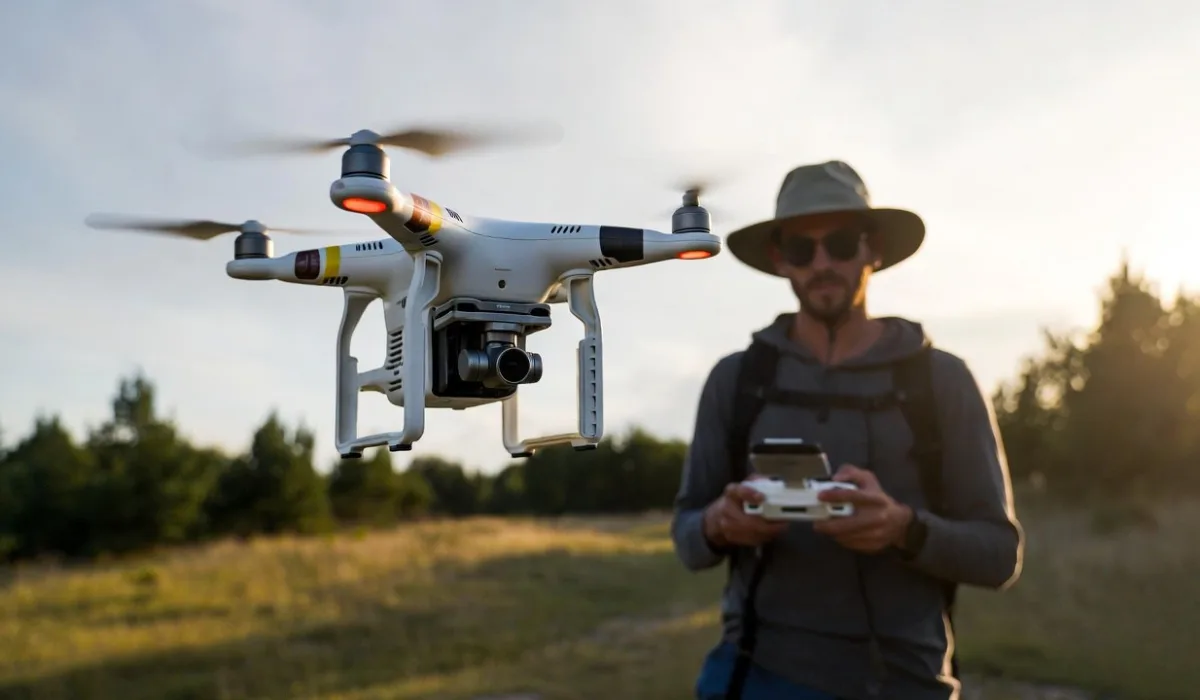
You've done you've finally accomplished it. It's that beautiful multi-rotor device lying on your desk, that smells a little like fresh, factory plastic with endless possibilities. If you're hoping to record stunning sunsets, begin an inspection of your roof side hustle or simply enjoy the excitement of taking a bird's eye look, you're about embark on a journey that's both rewarding and, if you're honest, a bit nerve-wracking.
A drone's flight isn't simply the act of pushing sticks. It's about understanding the physics behind it, observing the law and mastering spatial awareness. This manual is intended to guide you through the transition from "clueless beginner" to "confident pilot" without costly accidents.
1. Before You Take Off: The "Boring" (But Vital) Stuff
You're probably tempted to tear the plastic off and take off instantly. However, a drone technically an airplane, and it's not a secluded wilderness.
Know Your Local Regulations
Before you can spin the propellers in the air, you must know the requirements of your nation. There are many countries, such as those in the US (FAA), UK (CAA) and EU (EASA) In some countries, you could be required to:
- Registration of your drone: Most often required when the drone weighs over 250g.
- Conduct a safety check: Often a simple test online to make sure you are aware of the "rules of the road."
- Verify No-Fly Zones Beware of the people flying near an airport or in the vicinity of a wildfire. Make use of apps like B4UFLY or AirAware to find out the areas where you are legally permitted to fly.
Understand Your Gear
It is important to recognize the most important components:
- A Quadcopter: The drone it self.
- The Controller (Transmitter): Your steering wheel.
- The Props The props tend to be "A" and "B" models; they move in various directions, and need to be placed on appropriate motors.
- the battery Lithium polymer (LiPo) LiPo batteries can be extremely powerful, however they are also volatile. Be respectful of them and don't put them in the heat of a vehicle.
2. Anatomy of the Controls
The majority of drones utilize the "Mode 2" configuration for the controller. Consider it as an online game but with a lot more stakes.
| Stick | Movement | What is it? |
| Left Stick (Up/Down) | Throttle | Increases/decreases altitude. |
| Left Stick (Left/Right) | Yaw | The drone's nose rotates (turning into place). |
| Right Stick (Up/Down) | Pitch | The drone is able to tilt in either direction (forward or reverse) (movement). |
| Right Stick (Left/Right) | Roll | It tilts the drone from one way or the other (strafing). |
3. Your First Flight: The Pre-Flight Ritual
Professional pilots utilize checklists to help them find an reason. It's your duty to follow. Look for a large-open space, think of an area without trees, power lines or even curious dogs.
The Checklist
- Examine the weather conditions: Wind is the adversary of beginners. If you're experiencing winds that exceed 15 miles per hour (24 km/h) Keep your feet on the ground.
- Check the hardware Do the props fit? Do you have the battery plugged on? Are you able to insert the MicroSD card in place?
- calibrate your Compass: Most GPS drones need an "dance" (rotating the drone) to be in sync with the Earth's magnetic field. Do not skip this step.
- Configure your "Return to Home" (RTH) altitude. Be sure that the RTH's altitude is greater than the highest tree or structure in the vicinity. If the drone fails to signal, it will rise up to this level before returning to the ground.
Read also: Government Tests Drone Delivery Projects in Andhra Pradesh
4. Basic Flight Maneuvers
After you've set the motors up and the drone has risen just five feet above the surface, take an exhale.
The Hover
The best skill to master is not doing anything. Release the stick. Most modern drones use GPS to "lock" into position. If the drone is drifting, you'll have to make small adjustments. Learning to hover is the basis of any flying.
The Square
Fly forward for 10 feet Roll right 10 feet, turn back 10 feet and then take a left turn 10 feet. This will help you remain in the same direction.
The "Nose-In" Challenge
The most novices fall down. If the drone is pointing away towards you, left is always right. If it is pointing towards you and the controls are turned in reverse. Your brain is telling you that "left" will make the drone turn "right." You can practice flying while your nose is in your direction at low altitudes until you're mind "clicks."
5. Safety First: How Not to Lose Your Drone
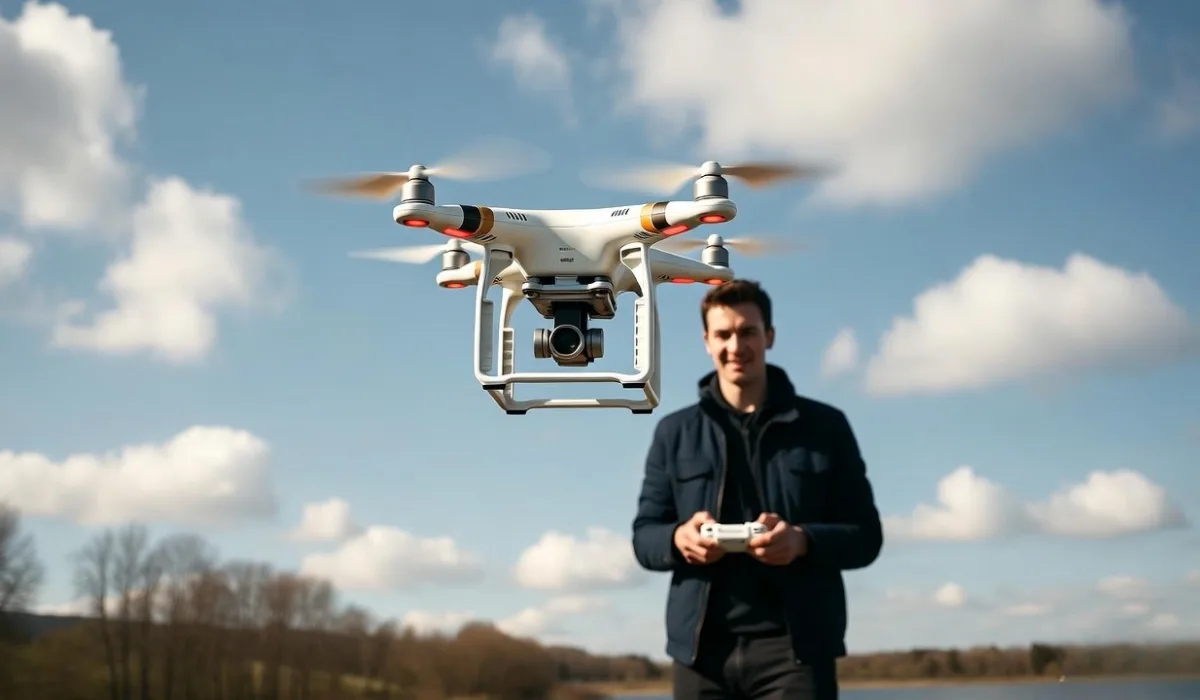
Drones are extremely intelligent however, they're extremely adept in hitting objects.
Tip for the Pro: Always maintain your Line of Sight (VLOS). If your monitor shows an amazing 4K video make sure you look at it with real eyes. It is possible to see the bird, or even a hanging wire that your camera may miss.
Common Pitfalls to Avoid:
- "Toilet Bowl" Effect: If your drone begins spinning around without control, your Compass may not be calibrated. You must land quickly.
- Prop Wash Do not descend too in a straight line. The drone could become caught up in its own turbulent atmosphere and sway beyond control. Decend to angles (diagonal) to ensure stability.
- battery management: The battery will die when you reach 20% of battery. Lithium batteries are prone to dropping their voltage rapidly at the conclusion of their life cycle "Return to Home" isn't an enchanted spell, but it still requires electricity to function.
6. Capturing the Shot: Intro to Drone Cinematography
If you purchased drones for your camera, you'll need to get past the jerky movement. The key to "cinematic" footage isn't the resolution but what's important is the movement.
- Slow is Smooth The sticks should be moved as if imprisoned in the molasses. Avoid sudden jerks.
- "Reveal" Shot: The camera can fly back and forth as you tilt the camera downwards. The result is a broad and epic style.
- Orbit Utilizing The Yaw and Roll sticks together to make a circle around an object, with the intention of keeping it center. This is known as the "Gold Standard" move for novices.
- Gold Hour: Just like photographing on the ground time, the hour following sunrise but before sunset offers most beautiful lighting and soft shadows.
7. Maintenance and Storage
A drone is an extremely efficient machine. Make it behave like one.
- Prop replacement: If a propeller may have a small chip or crack, you should throw the item away. An unsound prop could cause your drone to crash as if it was a brick.
- Firmware Updates Make sure to check for new firmware frequently. Manufacturers frequently fix problems that may cause "flyaways."
- Storage When you're not flying more than a week, you should discharge your batteries up to 50% to 60%. If you store them in a fully charged state, it could result in "swelling" and permanent damage.
Read also: How Drones Are Revolutionizing Road and Bridge Inspections
8. Joining the Community
It is not necessary to study by yourself. This community of drone enthusiasts is vast and is generally extremely helpful.
- Applications: Use AirData UAV to keep track of the flight logs of your aircraft and monitor batteries health.
- Forums Sites such as Maverick Pilots as well as those on the DJI Forums are a gold mine for troubleshooting.
- Local Clubs A lot of cities are home to local FPV (First Person View) or photography clubs. It is the most efficient way to increase your proficiency.
Final Thoughts
The act of flying a drone is a form of meditation. You must pay attention to everything as well as a certain amount of courage and respect for the surroundings that surrounds you. Everyone makes mistakes. You might clip a leaf or have a "heart-in-your-throat" moment when the signal flickers. It's an element of life.
Maintain your batteries fully full, your computer software up to date keep your eyes fixed towards the horizon. The view of the world is a of a different way from a distance of 200 feet and when you've seen it, you'll be unable to be anchored for too longer.