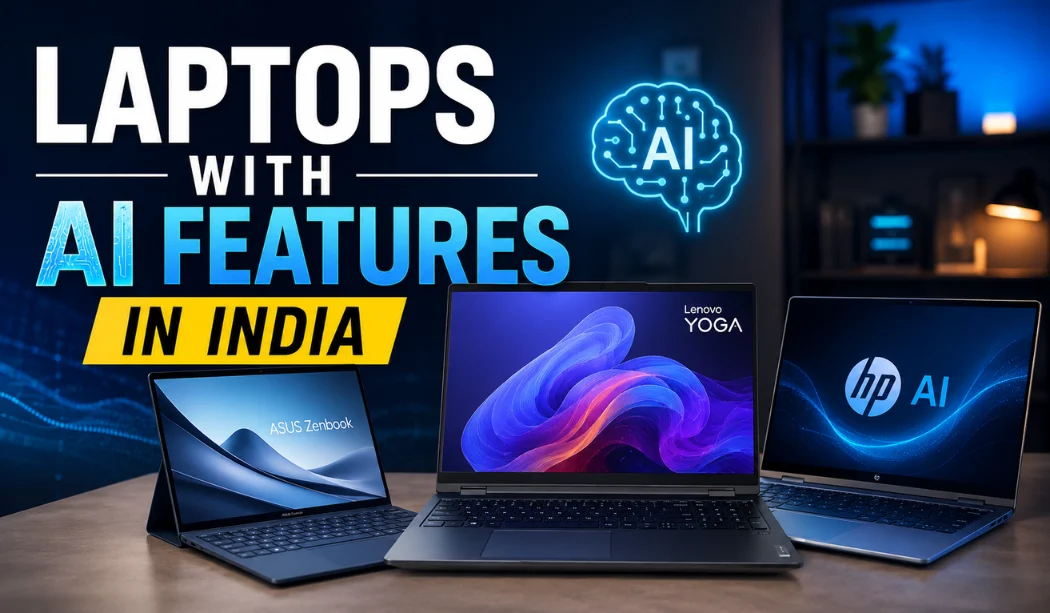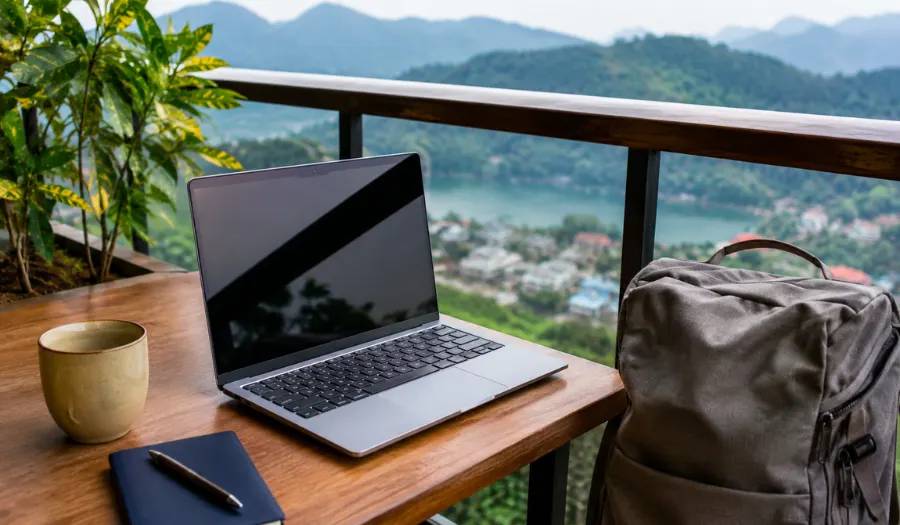
Working from home, a coffee shop, or even a beach house is now common. The right tools make this possible. The most important tool is your laptop. Not just any laptop, but one built for the job. This guide will help you choose the best remote work laptops for your needs.
Think of your laptop as your mobile office. It needs to be reliable, powerful, and easy to carry. Let's explore what makes a laptop great for working from home or anywhere else.
Why Your Choice of Laptop Matters for Remote Work
Your laptop is your desk, your filing cabinet, and your meeting room. A slow or heavy laptop can make your day frustrating. A great one makes work feel smooth and easy. The goal is to find a laptop that you forget is even there. It should just work.
Good remote work laptops help you stay productive. They let you switch between tasks quickly. They keep you connected to your team. And they do it all without needing to be plugged in all the time.
Key Features to Look for in Remote Work Laptops
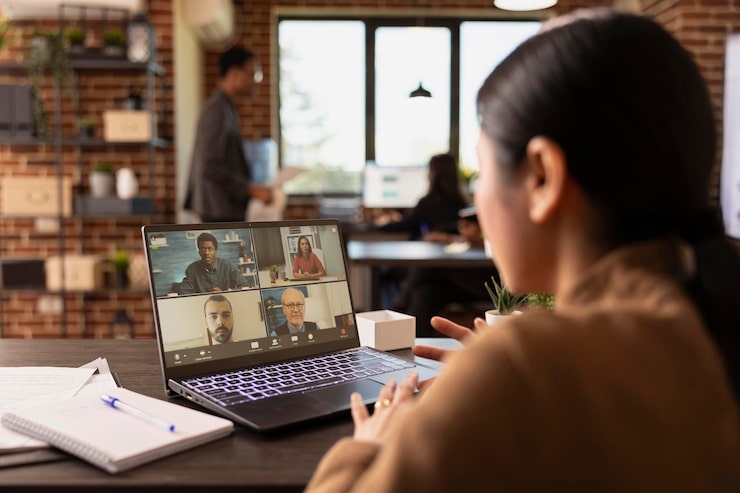
What should you check when buying a laptop for remote jobs? Here is a simple list of the most important things.
Performance and Reliability: The Brain of Your Operation
You need a computer that can think fast. Look for a good processor, like an Intel Core i5 or i7, or an AMD Ryzen 5 or 7. This is the brain. Enough RAM (memory) is also key. 8GB of RAM is a good start for most tasks. 16GB of RAM is better if you have many programs open. You want a fast and responsive laptop that won't freeze during a video call.
Battery Life: Freedom from the Power Cord
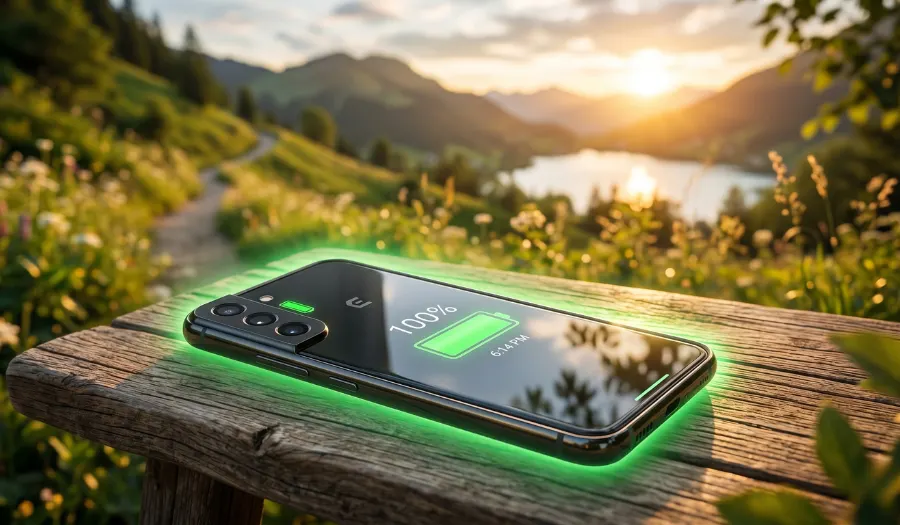
Long battery life for all-day computing is a must. Imagine your power cord breaking. Could you still finish your workday? Look for laptops that promise 8 hours or more. This gives you the freedom to work from anywhere. You won't be stuck near an outlet. A long-lasting laptop battery is a game-changer.
Portability and Build: Your Office in a Bag
If you move around, weight and size matter. A lightweight and portable laptop is easier to carry. Look for screens around 13 to 14 inches. They are a great balance of size and portability. The laptop should also feel sturdy. A durable and well-built design means it can handle life in your backpack.
Display and Webcam: Seeing and Being Seen Clearly
You will stare at the screen for hours. A high-quality display is easier on your eyes. A Full HD (1920 x 1080) screen is a good standard. For video calls, a clear built-in webcam is essential. Many laptops now have 1080p webcams. This makes you look sharp and professional to colleagues.
Connectivity and Ports: Staying Linked to Your World
You will need to connect to the internet, monitors, and other devices. Strong Wi-Fi connectivity is non-negotiable. Look for Wi-Fi 6 for the best speed. Also, check the ports. Having a couple of USB ports and an HDMI port is very useful. It helps you connect to extra screens or accessories easily.
Top Types of Remote Work Laptops
There are a few main categories. Each is good for different kinds of work from home professionals.
Ultrabooks: The Perfect Balance of Power and Portability
These are thin, light, and powerful. They are made for people who are always on the go. Brands like Dell, HP, and Lenovo make great ones. They offer excellent performance for business tasks in a sleek package. They are a top choice for many remote workers.
Business Laptops: Built for Durability and Security
These laptops are like the reliable family car. They are tough and have extra security features. Think of models like the Lenovo ThinkPad or Dell Latitude. They are known for great keyboards and long lifespans. They are ideal if security and durability are your top concerns.
2-in-1 Convertibles: Laptop and Tablet in One
These can be a laptop or a tablet. The screen can flip around or detach. They are very flexible. If you like to take notes by hand or watch videos in tablet mode, this is a fun option. They offer versatility for different work styles.
Making the Final Decision: A Simple Comparison
Let's put this information into a simple table to help you choose.
| Feature | Why It's Important | What to Look For |
|---|---|---|
| Performance | Runs programs smoothly. | Intel Core i5/Ryzen 5 or better, 8GB+ RAM. |
| Battery Life | Work without a cord. | 8+ hours of real-world use. |
| Portability | Carry it all day. | Weight under 3.5 lbs, thin design. |
| Display | Comfort for your eyes. | Full HD (1920x1080) resolution or better. |
| Webcam | Look good on calls. | 1080p HD camera. |
| Keyboard | Type comfortably for hours. | Good key travel and feel. |
Setting Up Your New Remote Work Laptop
Once you have your new laptop, set it up for success. Create a dedicated workspace for productivity. Use a laptop stand to raise the screen to eye level. Connect a separate mouse and keyboard. This makes your home office more comfortable and healthy.
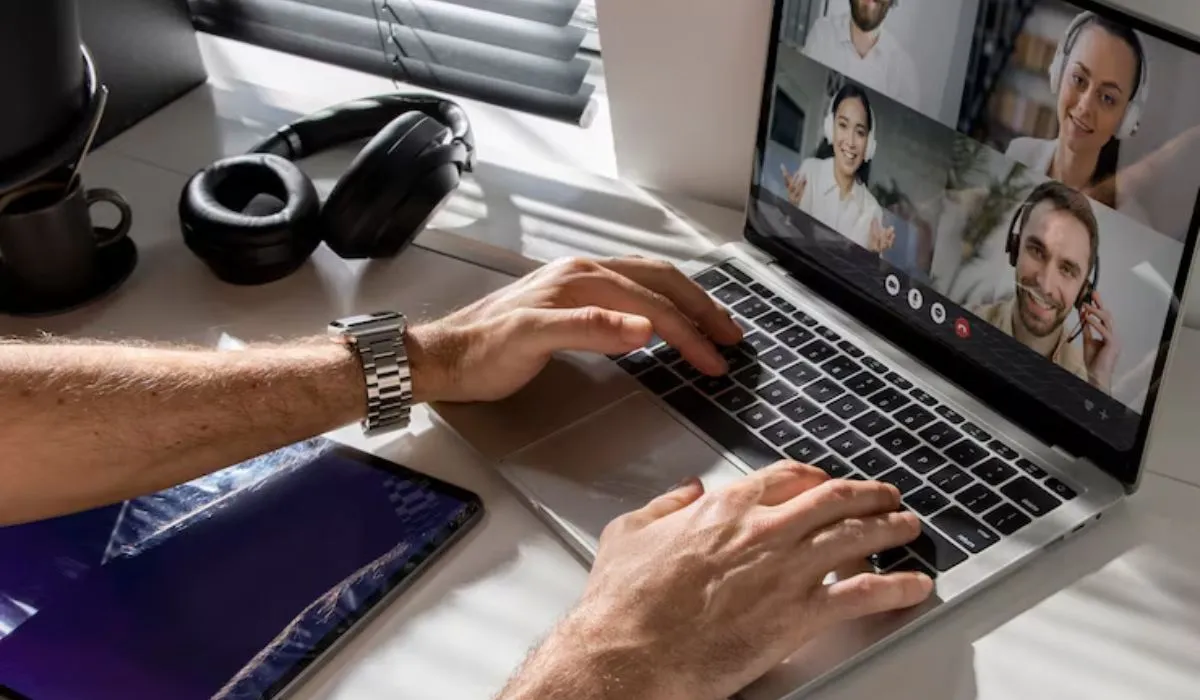
Also, learn about video call tools like Zoom or Microsoft Teams. Good video conferencing hardware includes your webcam, microphone, and headphones. A pair of headphones with a built-in mic can make your voice sound much clearer on calls.
Frequently Asked Questions
What is the most important feature in a remote work laptop?
For most people, reliable battery life and a comfortable keyboard are the two most important things. You need power to work away from your desk and a good keyboard to type on all day.
Is a Mac or Windows laptop better for remote work?
Both are excellent. It often comes down to what you are used to or what your company uses. Windows laptops offer more variety in price and style. Apple MacBooks are known for their great performance and battery life. Choose the system you find easiest to use.
How much should I spend on a laptop for working from home?
A good range for a reliable remote work laptop is between $800 and $1,500. In this range, you will find laptops with the features discussed here. You are investing in your productivity and comfort.
Can I use a Chromebook for remote work?
Yes, but it depends on your job. Chromebooks are fantastic if you work mostly in a web browser using tools like Google Docs or Salesforce. If you need to install special Windows or Mac programs, a traditional laptop is a better choice.
Expert Insights on Choosing Your Tech
We asked a few professionals what they look for. Here is what they said:
-
Alex Morgan, IT Manager: "For my team, security and durability come first. We choose business-grade laptops that can handle software updates for years and survive the occasional bump. It’s about long-term value."
-
Sam Rivera, Digital Nomad & Writer: "My whole life fits in my backpack. My laptop's weight and battery life are everything. I need a truly portable workstation that can last through a long train ride and a cafe session without hunting for an outlet."
Your Next Step
Choosing the right remote work laptops is a big decision. Think about how and where you work. Do you travel a lot? Do you use one program all day? Your answers will guide you.
Remember, the best laptop is the one that fits your life and gets out of your way. It should help you do your best work, from anywhere. Happy working!