


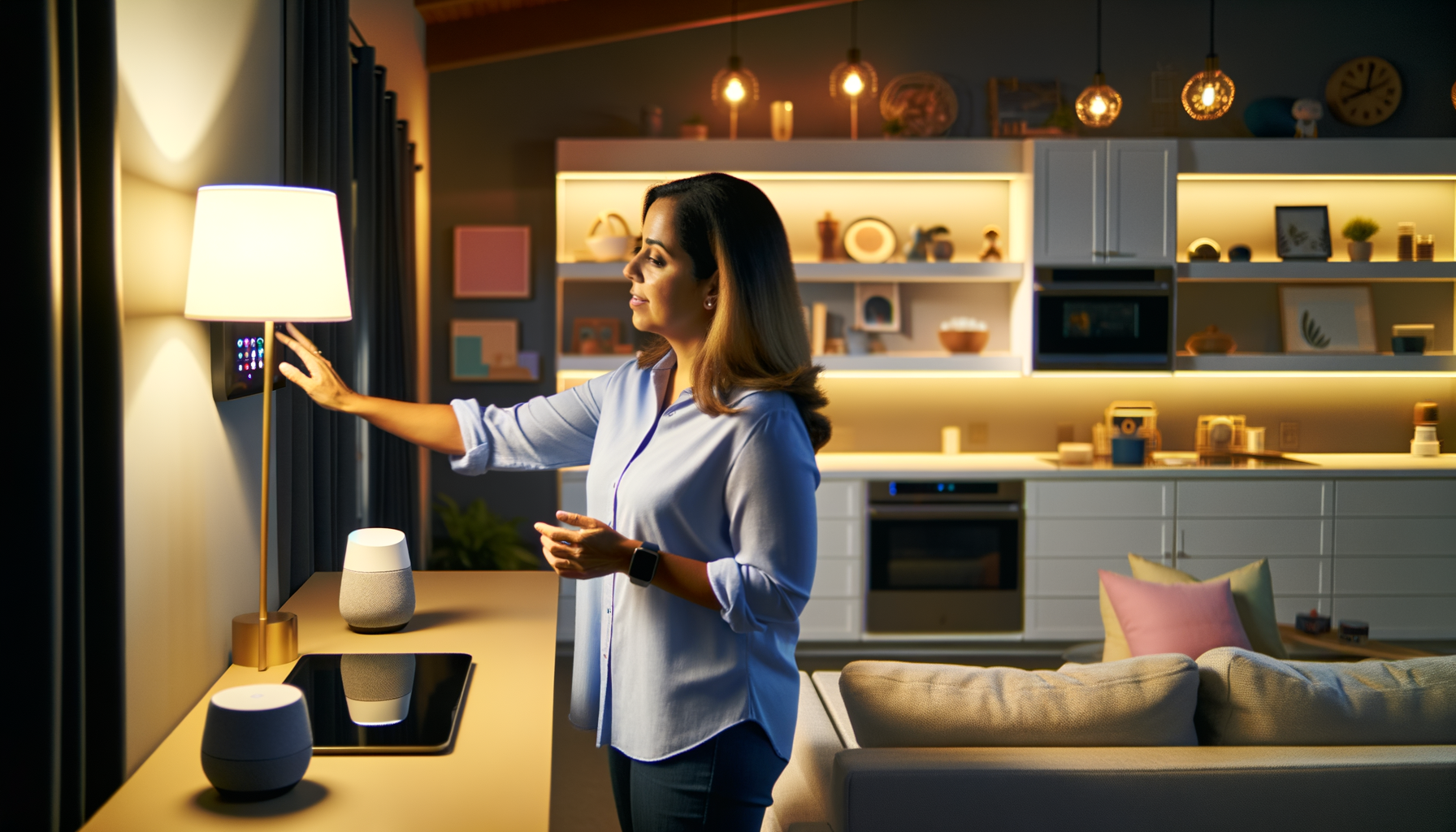
Imagine walking into your house after a long day. The lights turn on, your favorite playlist starts, and the AC kicks in to the perfect temp. It feels like magic, but it's really a smart home system doing the work. If you've ever wished your home could do more for youthink less fiddling with switches, fewer reminders to lock up, and less stress about energy billsyou're not alone. Today, I'm breaking down how a smart home system can change every room. You'll find out what works, what doesn't, and how to pull it off without making your head spin or your wallet cry.
What is a Smart Home System, Really?
A smart home system is a set of connected devices that you control with your phone or voice. It covers lights, locks, cameras, thermostats, and even stuff like blinds or coffee makers. The point? Make life smoother, save time, and sometimes save money. But let's be honestnot every "smart" gadget is worth it. Some just collect dust. The good ones fix real problems, like forgetting to turn off the lights or losing the TV remote every other day.
Why Bother? The Real Perks of Home Automation
Home automation isnt about showing off to friends (well, maybe a little). Its about making things work for you. Picture this:
- Youre in bed and forgot the living room lightsturn them off with a tap.
- The kids arent home yet? Check the camera from your phone.
- Thermostat learns your schedule so youre never freezing or sweating.
You'll save energy, maybe even cash. Plus, who doesnt like a little peace of mind when youre away?
Where to Start Your Smart Home Setup
Dont start by buying everything at once. Thats a recipe for chaos and regret. Start smallpick one room or one problem to fix. Lost keys? Try a smart lock by the front door. Hate adjusting the thermostat? Grab a smart one. Add new gadgets slowly. Youll learn what you actually use and whats just hype.
Best Smart Devices for Beginners
- Smart bulbs (change colors, set schedules, save power)
- Smart plugs (control anything you plug inlamps, fans, Christmas lights)
- Smart speakers (play music, answer questions, control other gadgets)
- Video doorbells (see whos at your door, even if youre in bed)
- Robot vacuums (seriously, let it clean up while you nap)
Start with one. See if it actually helps. Then, add more when you're ready.
How to Connect Everything (Without Losing Your Mind)
Smart devices are greatuntil they stop talking to each other. The trick is picking stuff that works together. Some brands, like Google Home, Amazon Alexa, or Apple HomeKit, make this easy. Stick to one or two platforms when you buy. Look for the words "Works with..." on the box. If you mix too many brands, youll end up frustrated.
What Can Go Wrong?
- Wi-Fi dead spotssome devices hate weak signals.
- Apps that dont play nice together.
- Complex setup instructions that sound like a spaceship manual.
Tip: Set up your router in a central spot, and use the same app for as much as possible. Don't be afraid to hit YouTube for tutorials if something makes zero sense. Everyone gets stuck somewhere.
Room-by-Room: Making Every Space Smarter
Every room has its own quirks. Heres a simple cheat sheet for boosting the brains of each spot:
- Living Room: Smart lights, speakers, TV voice remotes, plugs for lamps
- Kitchen: Smart display for recipes, Wi-Fi plugs for coffee or slow cooker
- Bedroom: Smart bulbs for wake-up routines, speakers for alarms or sleep sounds
- Bathroom: Smart speakers (sing in the shower), water sensors to catch leaks
- Garage: Smart garage door openers, cameras, motion sensors
Dont overdo it. Pick the gadgets your family will use every day. If its annoying or hard, youll just ignore it.
Are Smart Homes Safe? What About Privacy?
This is the part everyone worries about. Yes, hackers exist. Yes, companies track data. Here's what helps:
- Always change default passwords
- Keep apps and devices updated
- Use two-factor authentication
- Check app permissionsdont give away access you dont need
Perfect privacy doesnt exist, but you can make things much safer with a few basic steps.
Common Mistakes with Automated Homes
- Buying random devices without checking if they work together
- Skipping setup steps (like protecting accounts)
- Trying to automate everything at once
- Neglecting to teach everyone how things work
- Forgetting about power outageskeep some "dumb" backups handy
I once left town, bragged about my "automated" lights, and came back to find them stuck on 24/7 (forgot a schedule update during a power outage). Trust melearn from my mistakes!
How to Future-Proof Your Connected Home
Tech changes fast. Heres how to avoid starting over every year:
- Choose devices that work with major platforms
- Update firmware and apps when prompted
- Avoid super-cheap brands that disappear overnight
- Stick to well-reviewed devices for key stuff (locking doors, cameras)
Think of it as building with LEGO blocks. Mixing and matching is fine, but not all blocks fit. When in doubt, ask in online groups or read reviewssomeones already tried what youre thinking.
Wrapping Up: Making Life Easier, Room by Room
A smart home system is supposed to make everyday life smoother. Start small. Pick the problems you want to fix first, then grow from there. Every family is differentwhat's life-changing for you might be useless for your neighbor. Try, tweak, and see what feels right. Pretty soon, youll wonder how you ever lived without yelling "Turn off the lights" from across the couch.
FAQs
- What do I need for a basic smart home setup?
A basic smart home setup usually starts with a smart speaker and a couple of smart plugs or bulbs. You'll use the speaker to control other devices with your voice or phone. Add more as you go, like cameras or thermostats, when you know what you want. - Can I make an older home an automated home?
Yes! You dont need to build a new house to use smart gadgets. Most smart devices plug in like normal appliances or screw into light sockets. The only real must-have is decent Wi-Fi that reaches every room. - Are smart home systems hard to install?
Most are pretty easy. If you can install a phone app and follow simple steps, youre set. Some devices (like smart locks or thermostats) might need a screwdriver or simple tools, but nothing fancy. - Will a smart home system still work if the internet goes down?
Some smart devices keep basic features running if the Wi-Fi drops (like turning lights on and off with a switch), but most need an internet connection for voice control or remote access. Its smart to pick devices with physical controls as a backup. - How do I keep my connected home safe?
Change all default passwords, keep devices updated, and set up two-factor authentication. Only download official apps, and dont overshare permission requests. A few easy habits go a long way in keeping your smart home safe. - What's the best brand for smart home devices?
There isnt one single "best" brand for everyone. Google, Amazon, and Apple all have strong options, and most major gadgets work with at least one. Think more about what you want your devices to do, then pick brands that make those jobs easy.










