


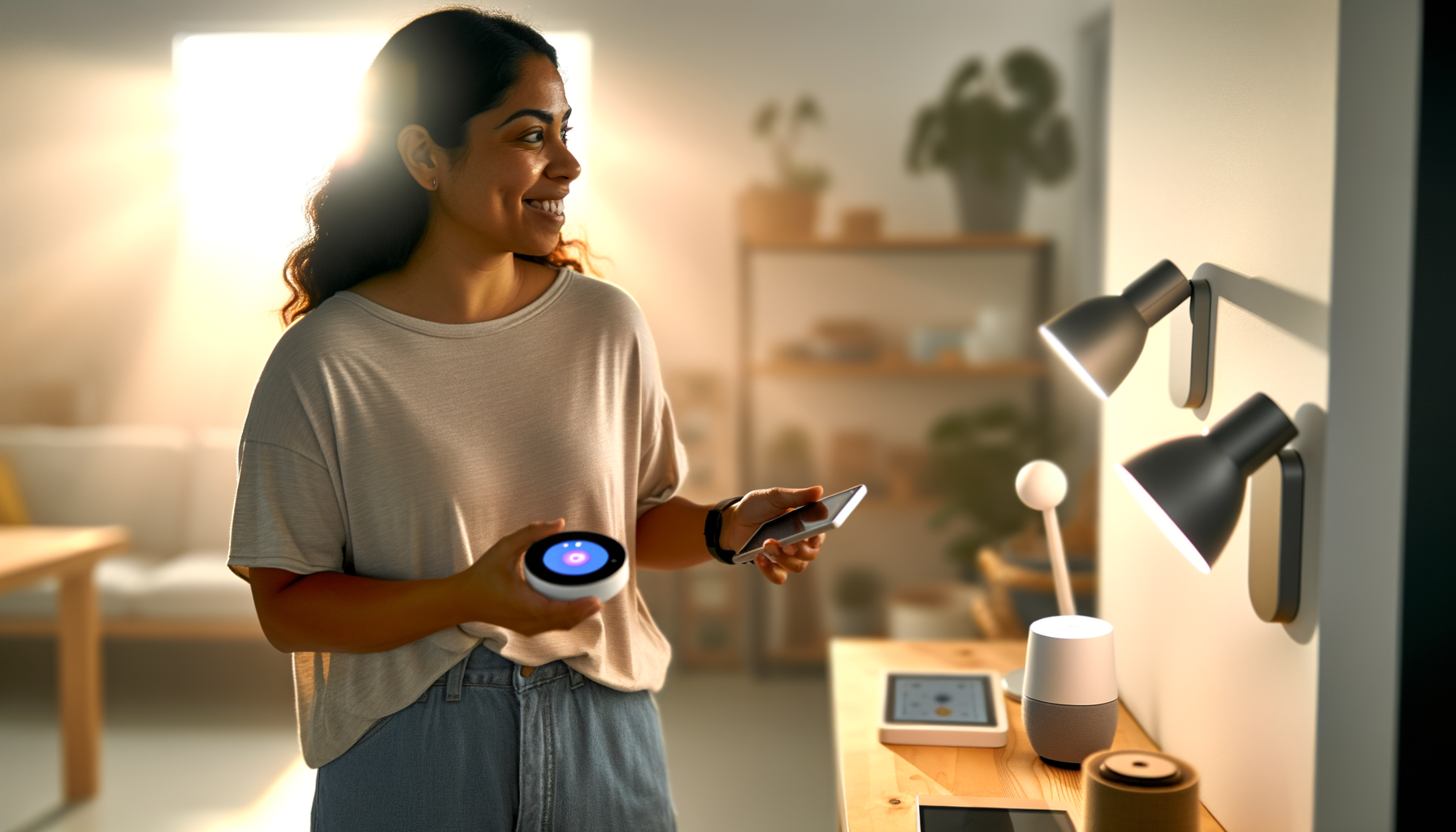
Ever walked through your door arms full of groceries, wishing the lights would just turn on by themselves? Or maybe you've stressed out on vacation, wondering if you locked the back door. These little annoyances are why so many people get into home automation, but it can feel confusing. Good news: Making your home smart doesnt have to cost a fortune or require an engineering degree. Heres how to use smart home technology to solve real-life annoyances, save time, and feel in control of your space.
What's Home Automation Really About?
At its core, home automation means using tech to control things like your lights, thermostat, locks, and more, all from your phone or with your voice. Its not just for millionaires with mansions. Most folks start with one or two home automation devices and expand over time, turning their place into a smart home, bit by bit.
- Turn off lights from bed
- Set the perfect temperature before you get home
- Lock the door remotely
- Get reminders if you left the garage open
If youve got a phone and Wi-Fi, you can get started.
Why Bother With Smart Home Systems?
Ever left the house and questioned if you turned off the stove? Smart home systems give you peace of mind, because you can check and control things from anywhere. They help you save on energy bills, too. Your lights dont need to run all night, and your heat doesnt have to blast when nobodys home. Small things add up: Youll waste less power, which means more money for things you actually want.
- Lower utility bills
- Less stress about security
- Hands-free convenience (especially helpful if youre carrying kids or groceries)
It matters because youll spend less time nagging yourself and more time enjoying your home.
How Can I Start With Home Automation?
Skip the fancy setups and start with the basics. Most people begin with a plug-and-play smart speaker or a few smart home devices. Here's what you should consider:
- Smart speakers: These are your digital assistants. You can say, 'Turn off the lights,' and it happens.
- Smart bulbs: Screw them in like regular bulbs, then set schedules, change colors, or dim from your phone.
- Smart plugs: Anything you can plug into an outlet can become smartcoffee makers, fans, even holiday lights.
- Door locks: Forget keys. Lock or unlock your door from your phone or with a simple code.
Start with one device and learn as you go. No shame in having just one smart bulbyoull add more if you like it. The hardest part is getting over the idea that you have to go all-in. You dont. One device can make a difference.
Whats the Easiest Smart Upgrade?
Smart bulbs are the gateway. You dont need to change wiring or buy extra gear. Just screw one in, connect via app or Wi-Fi, and youre off. Set it to turn on at sunset so you never walk into a dark house again. Or, set a 'movie time' scene to dim the lights, all from your phone. It just makes daily life smoother.
How Do I Pick the Best Home Automation Devices?
Its easy to get lost in the options, but you dont need everything you see online. Try these steps before buying:
- Write down what bugs you at home (getting up to switch off lights, forgetting to lock the door, etc.)
- Pick a device that fixes one problem
- Check what works with your phone or Wi-Fi
- Read honest reviewssee what real people say, not just the fancy features
Avoid buying five things at once. You might not use them all, and returns are a pain. Test out your first piece of gear before building your whole smart home system.
Common Setup Mistakes (And How To Dodge Them)
- Wi-Fi Troubles: Some devices want strong Wi-Fi. If your signal stinks, start there.
- Too Many Apps: If every device needs its own app, setup gets messy. Stick to brands that work together or use platforms like Google Home or Alexa.
- Ignoring Compatibility: Not everything works with each other (looking at you, Apple vs. Google vs. Amazon). Double-check before you buy more stuff.
Dont get sucked into buying the flashiest device just because it's trending. Focus on things youll actually use every day.
Can I Make Old Stuff Smart?
Yes! You dont have to replace everything. Smart plugs can control old lamps and fans, letting you schedule or switch them from anywhere. Some garage door openers get retrofitted with simple sensors that work with your phone. Little upgrades add up, so dont think you have to change out every piece of tech in your house.
Low-Budget Home Automation Ideas
- Use smart plugs on your coffee maker for fresh brew when you wake up
- Set smart bulbs for 'away' mode to look like someones home
- Install a video doorbell to see whos at the doorno monthly fee required
- Add motion sensors for hallway lights (never trip in the dark again)
Smart home upgrades arent about keeping up with your neighborsthey're about making things a little easier and a lot more fun for you.
What If Something Goes Wrong?
Tech can have hiccups. Sometimes a device wont connect or turns stubborn. Take a breath. Try these:
- Restart your router and devicesmost issues go away
- Update the app or firmware (yes, those updates matter)
- Sometimes, you really do have to unplug and replug
- If you get stuck, look up a videosomeones had the exact same problem
These devices are built for regular people, not just tech pros. Youll nail it, even if you hit a few bumps. Most mistakes are fixable (if it feels impossible, break the problem down into smaller steps).
When Should You Upgrade to Full Smart Home Systems?
If you find yourself wishing more of your home worked together, or youre using five remotes to control things, it might be time for a more complete system. Smart home hubs pull all your gear together, so your lights, thermostat, locks, and cameras actually talk to each other.
- Pick a hub that works with the brands you use most
- Set up routines (like lights, TV, and music for 'evening' mode)
- Say one quick command instead of five different ones
The goal isnt to brag about how much tech you have. Its about setting things up once, so life runs smoother forever after.
Easy Wins: Automated Home Solutions Youll Love
- Automated porch lights that make it look like youre home
- Locks and garage doors you control with your phone (no more lost keys!)
- Thermostats that learn your patterns and cut down your electric bill
- Robot vacuums that keep the floors clean while you relax
The best part? You dont need to do it all at once. Step by step, your home gets smarter and your daily life feels less hectic.
Smart Home Problems Nobody Warns You About
- Some guests hate talking to smart speakerskeep regular switches, too
- Power outages mean your smart stuff wont always work (have a backup plan)
- Not all devices play nice with each other (brands sometimes battle for your loyalty)
Youll want to test new gear before making a big switch, and never toss the old-fashioned waysometimes, it's faster to hit the switch by hand.
FAQs
- Do I need Wi-Fi for home automation?
Most smart home devices use Wi-Fi. Without it, many wont work right, or you cant control them while away. If you have steady Wi-Fi, youre set. Some gadgets use Bluetooth, but that limits control to when you're in the same room. - Can I use smart home systems in an apartment?
Yes! Many smart home ideas work fine in rentals. Smart bulbs, plugs, and speakers dont change the walls or wiring. When you move, just pack them up with your things. - Are home automation dvices hard to install?
Most smart devices are made for easy DIY install. If you can screw in a bulb or plug something in, youve got this. Some items (like smart thermostats) might need an extra step or two, but there are apps and guides to help. - Are smart home solutions secure?
They can be secure if you use strong passwords and keep devices updated. Dont use the default settings. Change passcodes, update apps regularly, and check your connected devices now and then. - Whats the cheapest way to make my home smart?
Start with one smart plug or bulbthese cost less than a dinner out. Control a lamp or your morning coffee with your phone, and see how you like it. Build up slow if youre unsure. - Can my smart devices work with each other?
Sometimes, yes. Check if your gear works with platforms like Google Home, Alexa, or Apple HomeKit. Buying the same brand or sticking to a system helps everything play together nicely.
Start small, try things out, and see how much easier (and less stressful) home can feel. You deserve a little help from your technologywithout the headache.










