


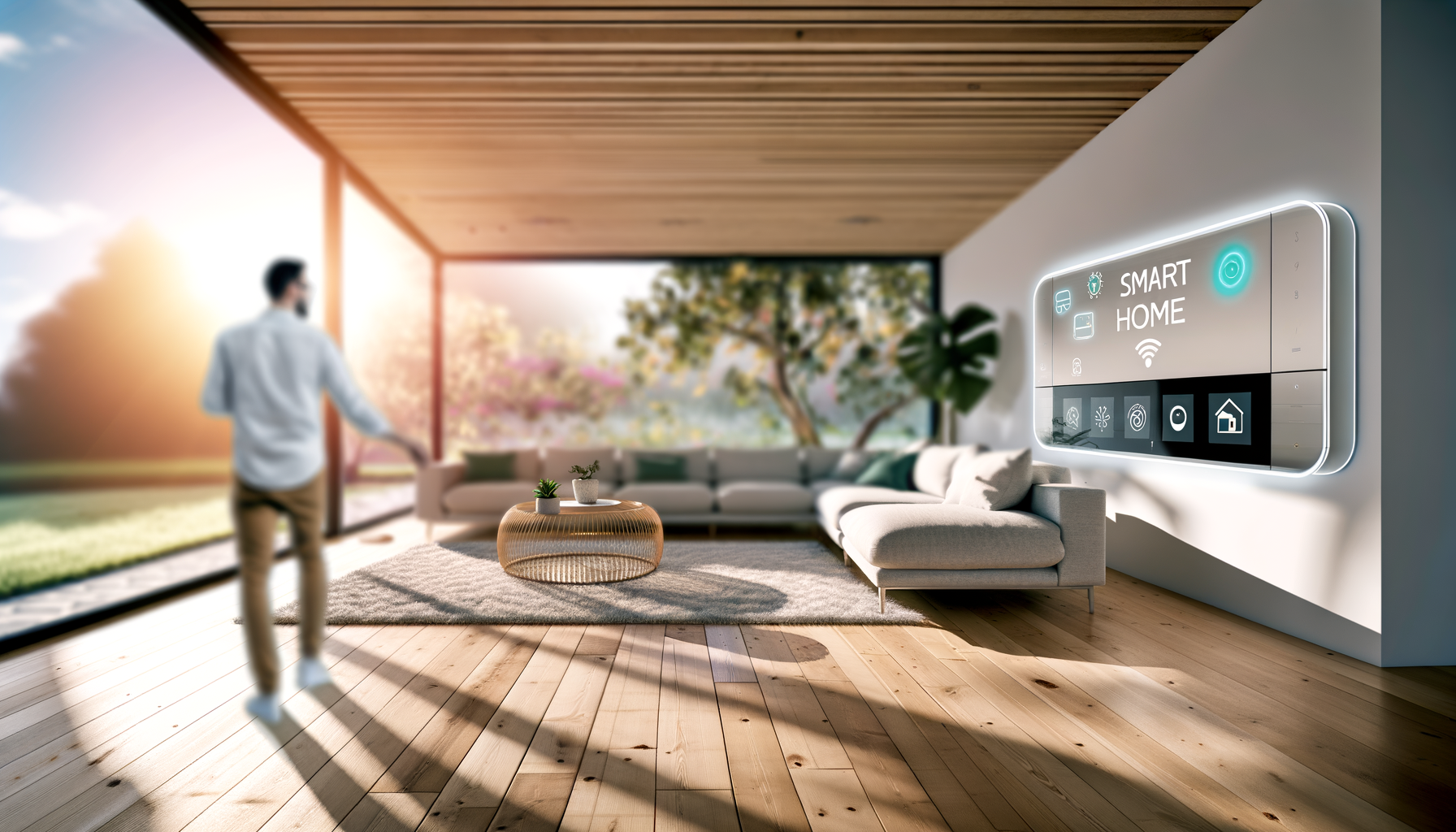
Your phone buzzes. Camera catches movement at the front door and sends a snapshot. You're not home, but you know exactly what's up. That's peace of mind. It's also why more people want the best smart home system they can get.
But it isn't only about safety. It's about turning up the heat from bed on a cold morning. It's making sure your kid didn't leave the lights on (again). It's starting coffee with your voice. Living smart means making life a little easierand often a lot more fun.
What Is a Smart Home System? (And Why Bother?)
Think of it as a brain for your house. Smart home automation lets you control stufflights, locks, cameras, even the thermostatfrom your phone or just by talking. Wireless smart home devices all talk to each other so you (hopefully) don't have to run around checking windows or flipping switches.
- Lights: Dim them, change colors, or set timers from your phone
- Locks: No more lost keys; open doors with a code or app
- Thermostats: Stay comfy and save money
- Cameras: Get alerts when they spot something weird
- Speakers: Play music (or ask about the weather) with your voice
Why bother? For starters, everyday chores zap less brainpower. Set it, forget it, or control it from the couch. Plus, smart home automation can even help you use less electricityand that's good for your wallet.
How Does Home Automation Work?
All smart home gadgets grab WiFi or use Bluetooth to chat with your main hub (that could be a smart speaker or a special app). That's where the "automation" kicks in. Set up routines like turning on lights at sunset or locking all your doors at bedtime. Some systems even learn from what you do and adjust things for you.
Sounds awesome, right? But, fair warning, setup can get tricky. You might need to scan QR codes, update apps, or unplug things more than once. Take your time and check every step. When it's done, all those little annoyancesforgetting to turn out the hallway light againcould disappear for good.
Which Features Matter Most in the Best Smart Home System?
- Easy controls: The best system uses apps that aren't confusing
- Smart speaker support: Works with voice assistants you like (Alexa, Google, Siri)
- Mix-and-match devices: You want to add stuff later? Get a system that plays nice with other brands
- Good security: Keeps hackers out of your business and your home
- Solid app updates: Companies that fix bugs and keep up with phones/tablets
Here's a quick story: My first "smart plug" worked fine alone. When I tried to add a smart thermostat, it threw a fit and stopped working. That's why compatibilityone app to rule them allis worth the trouble of comparing specs before you buy anything.
Home Security System: How Safe Can Smart Tech Make You?
Home security used to mean heavy locks and (expensive) alarms. Now, even a few wireless smart home devices can make a big difference. Cams send real-time alerts, door/window sensors check if someone's sneaking around, and smart locks track who's coming in or going out.
- Get instant phone alerts if the front door opens while you're gone
- Check cameras anytime for package deliveries (or would-be snoops)
- Never hide keys again with smart locks
No system stops every problem (if someone really wants in, they will try). But most burglars don't even want the hassle. See a camera or get a noisy smart alarm, and they're gone.
Can You Control Your Whole Home By Voice?
Voice controlled home systems are everywhere. Think about snoozing in bed and telling your house to crank the heat, start music, or read headlines. The trick is picking wireless smart home devices that play nicely with your favorite assistant. Some mishaps do happen (my smart speaker once thought I said "turn on the oven" and fired up the TV instead), so check settings before you show off to friends.
And don't worry if you're not techy. Most systems guide you step by step. Set up voice commands, and pretty soon, you'll only need to tap your phone when the assistant doesn't catch what you said the first time.
Smart Thermostat: Why Bother Switching?
Old thermostats are simple, but smart thermostats are sneaky money savers. They learn your habitslike when you're outand adjust the temp, so you're not heating or cooling an empty house. Over months, those little savings add up.
- Control the heat/AC from your phone (no more jumping out of bed at 2am)
- Set schedules that match your life
- Track your energy use so the next bill isn't a total surprise
The catch? Install can be tough if the wiring is ancient. Check if your system is compatible before you buy (seriouslyno one likes half-installed tech gathering dust).
Getting Started: What Do You Need First?
You don't have to splash out for everything at once. Start small, then add more when you're ready. Heres the usual order:
- Smart speaker or hub (Alexa, Google Nest, or HomePod)
- Lights or plugs (so you can test things out)
- Smart thermostat (next step for serious comfort)
- Security cameras (start at the front door, then add more if needed)
Add one device at a time. Set it up, play with it for a few days, and make sure it works. Only then, level up. Each upgrade should make life easier, not more stressful.
What Could Go Wrong? (And How to Dodge Headaches)
- Too many apps: If every brand needs its own, your phone gets cluttered. Pick brands that play well together.
- Connection drops: Weak WiFi = sad smart home. Strong router helps a lot.
- Updates break things: Sometimes an update knocks devices offline. Keep backup codes and check for support FAQs.
- Privacy worries: Set strong passwords. Turn off mics or cameras when you don't need them.
Dont let these hurdles scare you off. Most problems can be fixed with a little patienceor some searching online.
FAQs About Smart Home Systems
- How much should I spend on my first smart home setup?
Start smalltry a smart speaker and a few plugs or lights. Expect to spend $100-200 for basics. Add pricier gear (like smart thermostats or security cams) over time as you figure out what actually helps. Most people don't need everything at once. - Can I install a smart home system by myself?
Most wireless smart home devices are made for DIY install, using easy apps and step-by-step guides. Some gear (like thermostats) might need you to read up or call someone handy, especially in older houses. Always check YouTube or official help if you get stuck. - Is smart home automation safe from hackers?
If you use strong passwords and keep devices updated, your home is pretty safe from hackers. Don't use default passwords and avoid public WiFi for your controls. Nothing is 100% perfect, but stick to big, trusted brands for extra peace of mind. - Will a smart thermostat really save me money?
Yes, a smart thermostat can notice when you're out and drop the heating or cooling. Over months or a year, those savings add upsometimes enough to pay for the gadget itself. The key is setting it up right and checking the app to track usage. - Do all smart devices work with Alexa, Google, or Siri?
Nope. Some devices are pickier than others. Always double-check what they support before you buy. Look for icons or text that says Alexa, Google Assistant, or Apple HomeKit compatible to avoid headaches later. - What if the internet goes out? Does my smart home stop working?
Some things (like schedules for lights or thermostat) can keep running even if WiFi drops, but voice controls and real-time alerts might not work. It's a good idea to keep some standard switches round for backup, just in case.
The best smart home system isn't about having the fanciest stuffit's about making life smoother for you and your family. Don't stress about getting it perfect on day one. Upgrade as you go. Each device you add should save you a little time, give a bit more comfort, or help you relax. Set it up one step at a time, and let your home do the heavy lifting.










